If you still want a shot at getting the files back, stop using the SD card now. I mean it. I would not take another photo, move a single file onto it, or format it ‘to see if it helps.’ I’ve seen people do one extra write and turn a recoverable mess into a dead end.
On a Mac, deleted files from an SD card often stick around for a while. What usually disappears first is the index entry, not the file data itself. Recovery gets harder fast if you kept shooting on the card, did a full format, or the old data got overwritten.
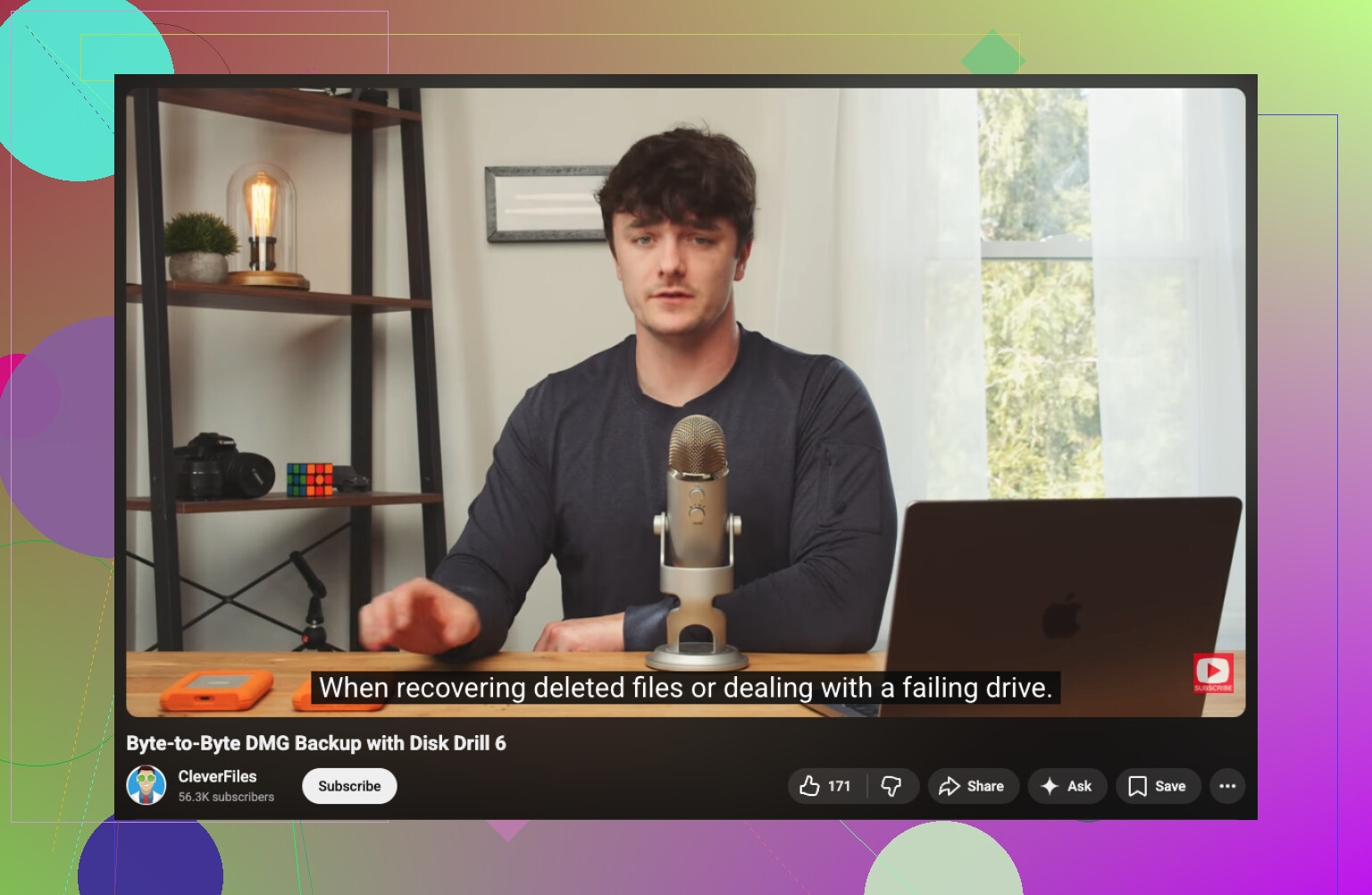
If you want the easy route, I’d start with Disk Drill. I used it because the layout made sense right away and I did not need to fuss with partition stuff. It sorts results well, previews are decent, and it reads RAW photo formats, which mattered for me. One thing I liked more than I expected, it lets you create a byte-to-byte image of the card before scanning. If the card is flaky or drops connection, do that first.

What I would do:
- Put the SD card into a reader and connect it to your Mac.
- Open Disk Drill and pick the SD card, not your internal drive by mistake.
- Run the full scan. Let it finish. Don’t stop halfway because the first batch of files looks bad.
- Preview what you need.
- Recover the files to your Mac’s SSD or to another external drive.
Do not restore anything back onto the same SD card. If you write recovered files to it, you risk overwriting data you have not pulled off yet. I learned this one the dumb way years ago. It cuts your odds.
People also bring up PhotoRec a lot. Fair. It’s free, and on damaged or corrupted cards it sometimes pulls off results other tools miss. The tradeoff is the interface feels rough, and recovered files often come back with generic names and no folder layout. If you care more about getting the image data than clean organization, it’s worth a try.
One more thing. If the card keeps disconnecting, throws read errors, makes odd noises, or barely shows up in macOS, I would stop with home recovery attempts. At that point I’d lean toward a recovery service before the card gets worse from repeated access.