I lost my physical TV remote and tried a few universal TV remote apps, but most of them either would not connect or kept asking for extra fees. I need help finding the best universal TV remote app that actually works with smart TVs and is easy to set up.
I went through a bunch of iPhone TV remote apps recently, and most of them felt like the same app wearing different clothes. Same buttons, same pairing flow, same wall of ads or trial screens after two taps.
A few I tested stood out for different reasons.
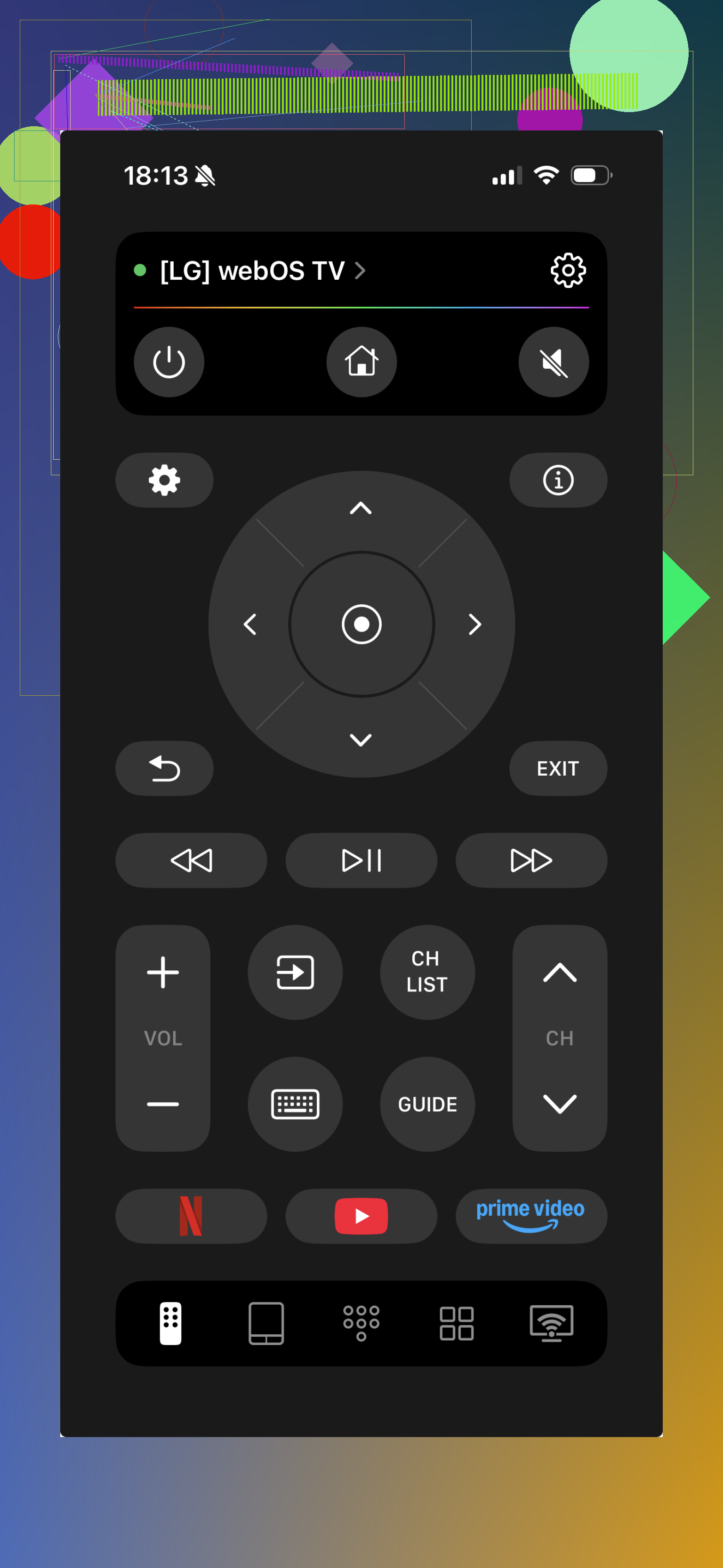
This was the easiest one for me to keep using. I opened it, paired it fast, and it handled the stuff I cared about: volume, moving around menus, and quick access to streaming controls. No weird learning curve. No clutter all over the screen.
What stuck with me was how normal it felt. A lot of these apps act like a feature showcase first and a remote second. This one felt built for the boring daily job, which is what I wanted. I grabbed my phone, tapped a couple things, and the TV responded. Done.
I also didn’t run into the usual mess where half the app is blocked off unless you subscribe by day two. Since it’s free, I didn’t get the urge to delete it after ten minutes. Small thing, but it matters.
- Universal Remote TV Control
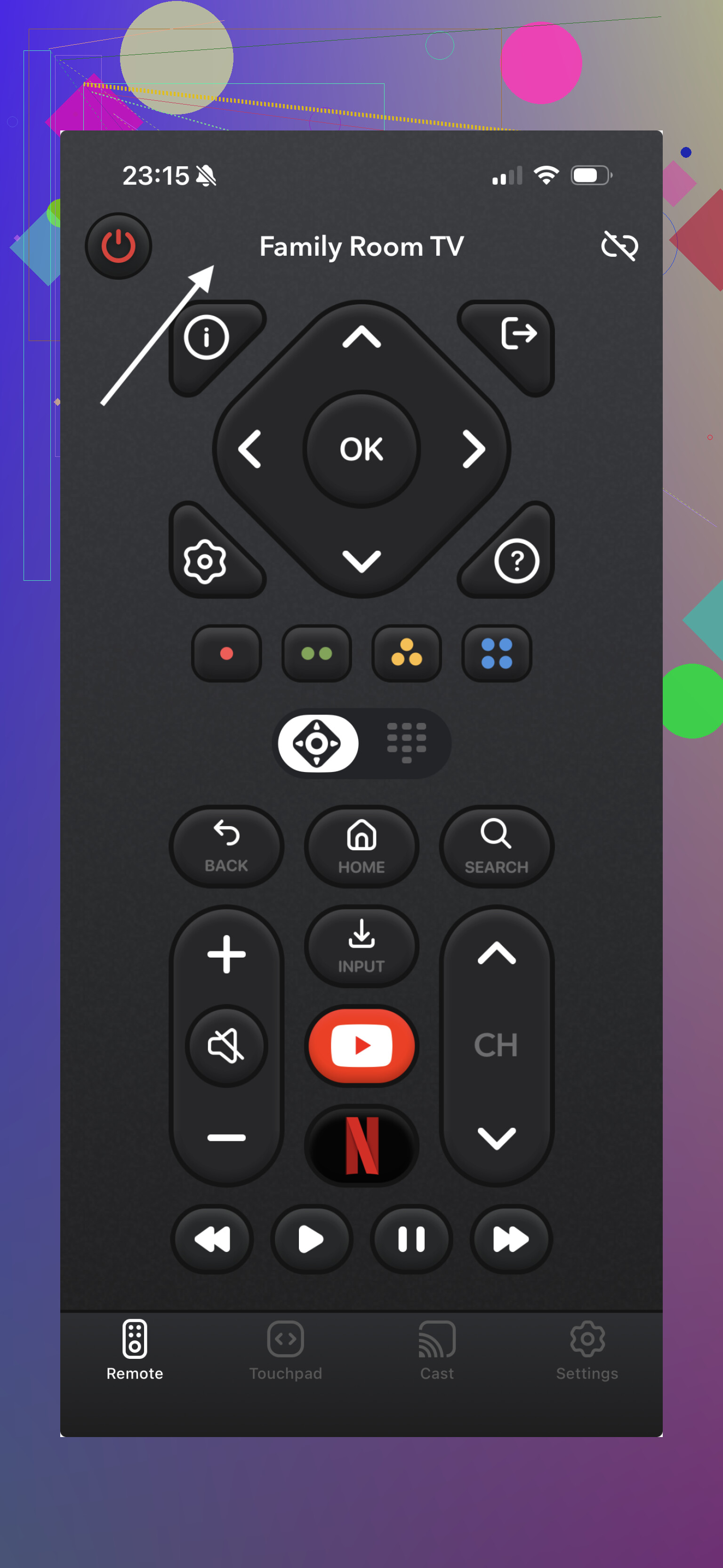
This one looked stacked on paper. Touchpad, keyboard input, smart controls, more extras than most. Once I used it for a bit, it felt heavier than I wanted. More stuff on screen, more friction, less of that quick ‘open and use it’ feeling.
I also saw the same complaint other people keep posting about. A chunk of the better features sits behind payment prompts or a trial wall. Pairing worked, then got spotty on some TV models. So if your setup is picky, this one feels hit or miss.
- Universal Remote Smart TV
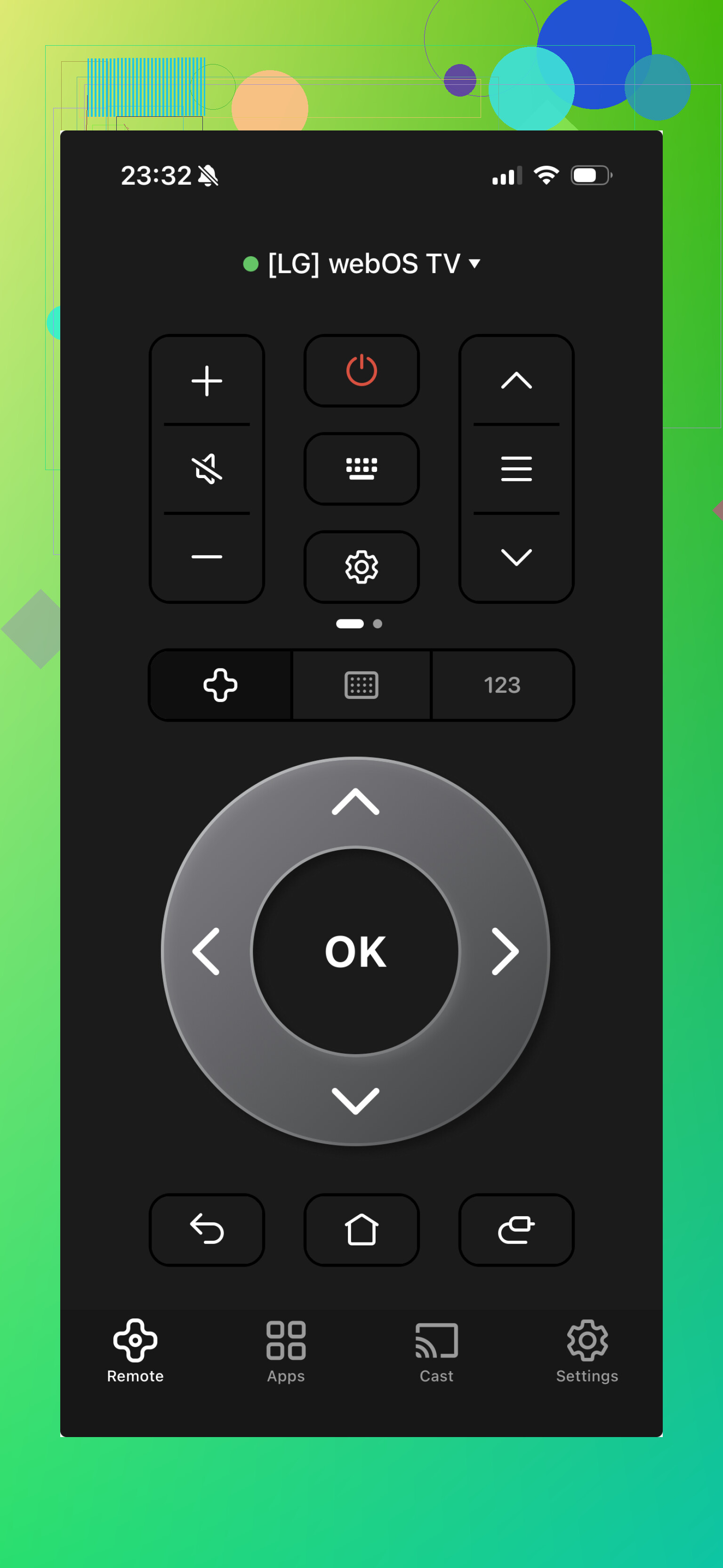
This one lands in the same bucket for me. It supports a lot of TVs, and for basic controls it does the job. Still, day to day, I found it less smooth. Too many ad interruptions, too many nudges toward a subscription, and the whole thing felt less stable than I wanted.
My take after trying these:
Most universal TV remote apps cover the same basics. The split happens in the little annoyances. How fast it connects. Whether it drops the connection. Whether you get blocked by ads every minute. Whether you feel like you’re using a tool or being funneled into a payment screen.
For regular use, TVRem app felt like the least annoying option. Simple layout, free access, and no nonsense. For this kind of app, I think that’s the whole point.
6 Likes
I mostly agree with @mikeappsreviewer on TVRem. If you want the short answer, start there.
My only small disagreement, “best” depends on your TV type. A lot of these apps fail for one simple reason. Your phone and TV need to be on the same Wi-Fi, and the TV has to support network remote control. If your TV is older and relied on IR, most iPhones wont help at all.
What I’d do:
- Try TVRem first.
- Check your TV brand’s own app, Roku, Samsung SmartThings, LG ThinQ, Google TV, Fire TV.
- Avoid any app pushing a subscription before basic buttons even work. Red flag.
For me, brand apps tend to connect more reliably. Universal apps are better if you have mixed devices in one house. TVRem seems like one of the fewer ones that isn’t trying to annoy you every 8 seconds, which is sadly rare now. If your TV is pre-smart, you might need a cheap replacement remote insead.
I’d split this into two categories, because “best” depends on what kind of TV you actually have.
If it’s a smart TV on Wi-Fi, I mostly agree with @mikeappsreviewer and @sterrenkijker that TVRem is one of the better universal ones to try first. The big reason is not that it has magic features, it’s that it seems less obnoxious than most of the App Store remote clones. A lot of those apps are basically subscription popups with a power button taped on top.
Where I slightly disagree is with the whole universal-app-first approach. In my expereince, universal remote apps are fine, but brand apps are still usually more reliable once you know your TV brand. Samsung, Roku, Fire TV, Google TV, LG, those tend to pair faster and stay connected better. Universal apps are more of a convenience play.
Also, if your TV is older or not really “smart,” an iPhone app may never work properly no matter how many you test. That’s the part people skip. Phones without IR can’t control old-school TVs directly, so the app isn’t broken, it’s just the wrong tool.
So my honest ranking is:
- TVRem for a universal app
- Your TV brand’s official app for reliability
- Cheap replacement physical remote if the TV is older
If an app asks for money before it can even mute the TV once, I’d delete it imediately. That usually tells you everything.