My iPhone storage is filling up from temporary files, but I can’t get them to clear no matter what I try. I’ve restarted the phone, offloaded apps, cleared Safari data, and checked storage settings, but the junk files keep coming back. I need help figuring out what’s causing it and the best way to free up space without losing important data.
iPhone ‘System Data’ bloat, what helped me
Yeah, I ran into this too. iOS is supposed to clean up temp files on its own. In my case, it did a sloppy job. After one update, my phone got slow enough to feel broken, and most of it tracked back to storage getting choked by junk.
What was going on
When free space gets low, iPhone performance drops fast. I saw keyboard delay, app switching lag, random pauses, all of it. The phone wasn’t dead, it was crowded. Old cache files, temp data, browser leftovers, app junk. Stuff piles up and iOS does not always clear it when you expect.
First thing I did
A normal restart helps less than people hope, but I still do a full power off and back on every week or so. It clears RAM and kills off some background processes. It won’t erase all junk files, still worth doing.
Safari was worse than I thought
If you use Safari, check this:
Settings > Safari > Clear History and Website Data
Mine had old site data sitting there for months. I didn’t expect it to free much, but it did.
If you use Chrome, the cleanup is inside the app:
Settings > Privacy and Security
That part gets missed a lot.
The big one, app cache
This is where I found the most waste. Open:
Settings > General > iPhone Storage
You’ll sometimes see apps like Instagram or TikTok taking several GB, even though the app itself is much smaller. The extra space is mostly cache and temp files.
Apple doesn’t give a proper clear-cache button for most apps. So I had two options:
- Offload the app, which keeps your docs and removes the app itself
- Delete the app and install it again
Offloading helped a bit. Full delete and reinstall worked better. If you want the cache gone for real, deleting the app was the cleanest fix in my case.
What happened on my phone
A few months back, my iPhone got so slow I was misspelling texts because the keyboard lagged behind my thumbs. I tried the usual cleanup stuff first. Then I went looking for something to handle the photo and video mess, since media was eating most of my storage.
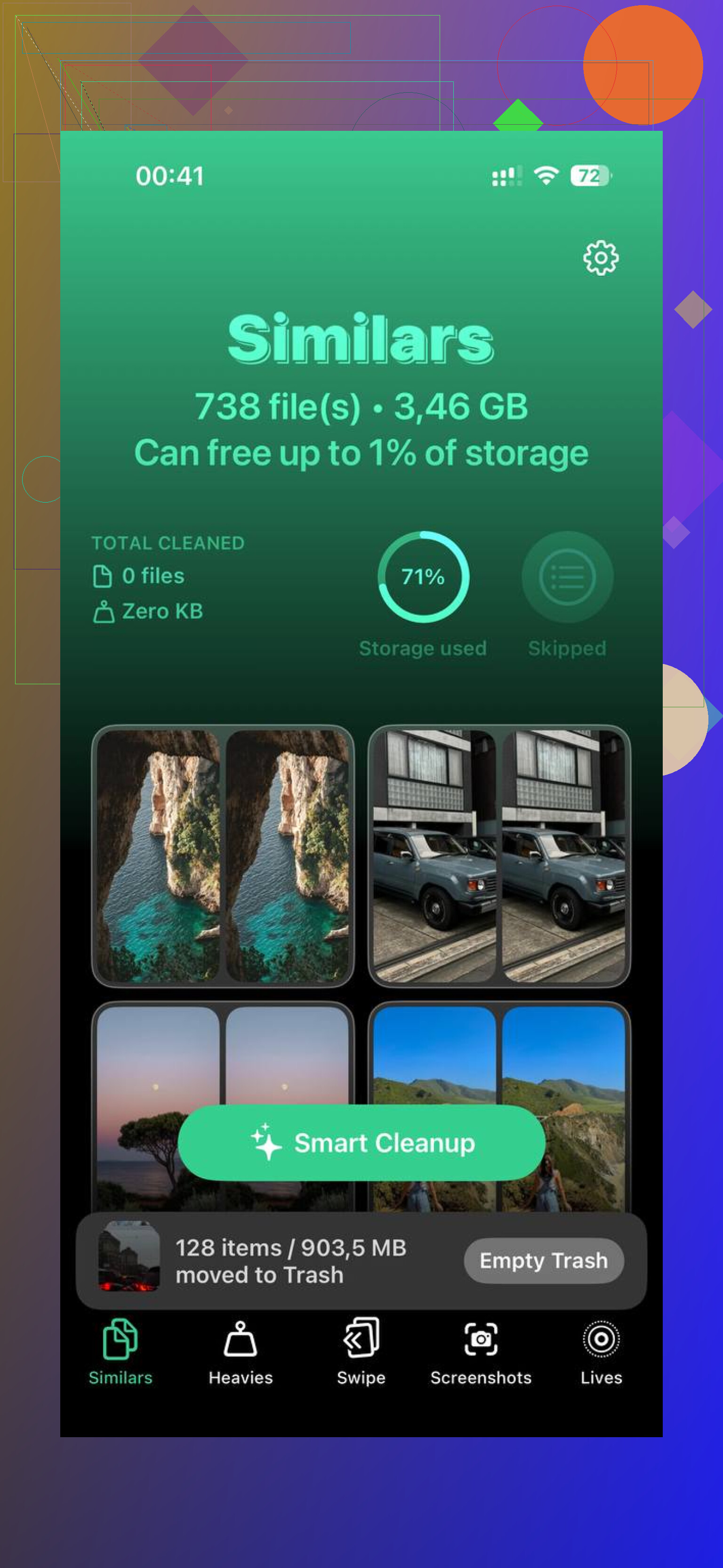
I ended up using Clever Cleaner. I stuck with it because it didn’t hit me with ads every ten seconds or lock basic cleanup behind a subscription screen.
What I found useful in it
The photo cleanup was the main thing.
- Similars found near-duplicate photos, not only exact copies
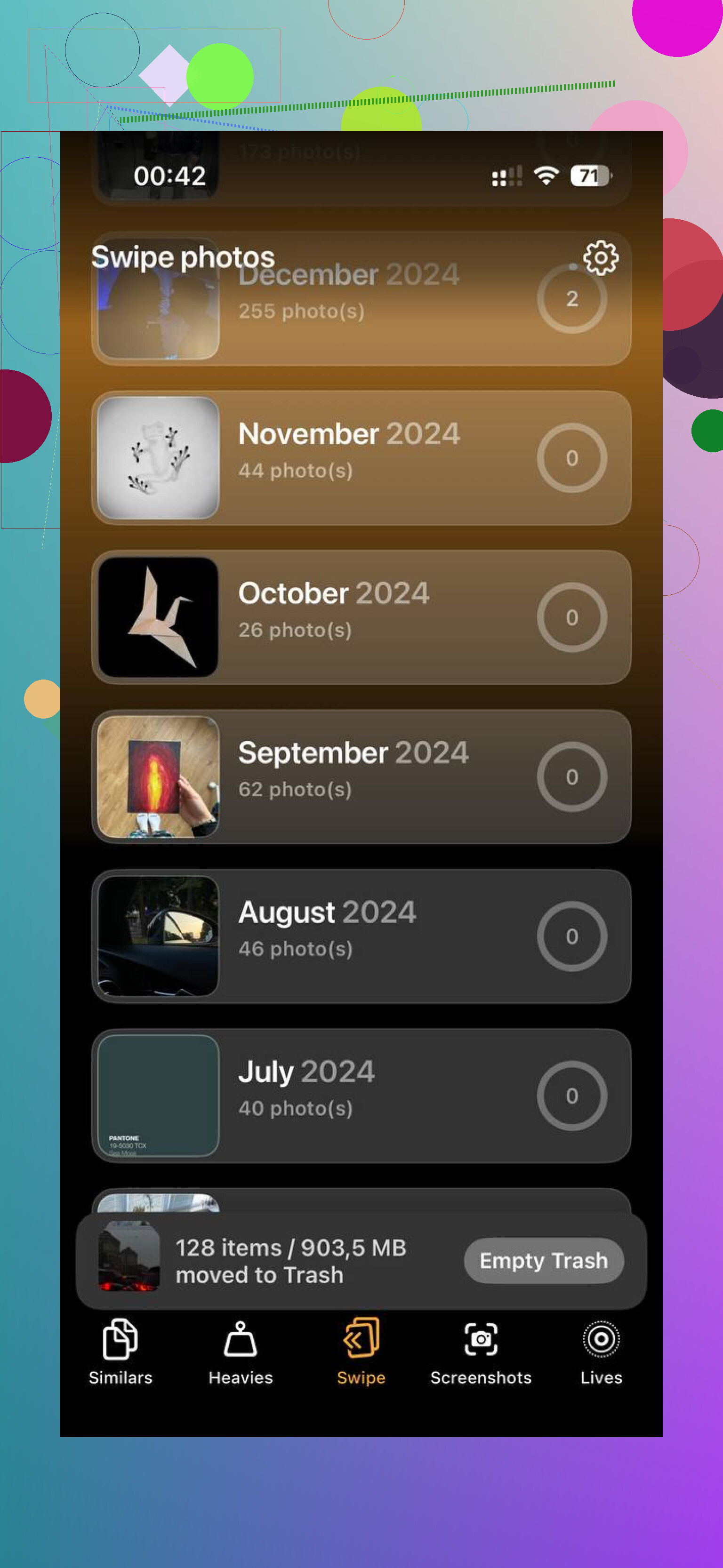
- Heavies sorted media by size, which made old giant videos easy to spot
- It showed file sizes clearly, including screenshots
That saved me time. Instead of hunting through years of camera roll clutter by hand, I could see what was wasting space fast.
The privacy part mattered too. It processes on the device, so my photos weren’t being shipped off somewhere else for analysis. I care about that stuff, so I checked before using it.
The result
Once I cleared out around 10 to 15 GB, the phone stopped dragging. The lag eased up, typing felt normal again, and the System Data section dropped closer to what I’d expect. For me, free space was the main fix. I try to keep at least 15 percent open now.
If your phone feels slow after an update
This is the order I’d do it in:
- Power the phone fully off, then back on
- Clear Safari data
- Clear Chrome data too, if you use it
- Check iPhone Storage for bloated apps
- Delete and reinstall the worst offenders
- Clean out large photos and videos with Clever Cleaner
That combo fixed it for me. Not instantly, and not in one tap. Still, once I gave iOS some free room again, the phone quit acting like a slug.
10 Likes
You’ve already done the common stuff, so I’d stop chasing “temporary files” as if iOS always labels them right. A lot of the time it’s System Data, log files, failed update scraps, message attachments, or media indexes.
A few things I’d try next.
-
Check Messages storage.
Settings > General > iPhone Storage > Messages.
Old videos, GIFs, and attachments sit there forever. I found 6 GB on one phone from threads I forgot existed. -
Remove a stuck iOS update file.
Settings > General > iPhone Storage.
If you see an iOS update listed, delete it. Those files sometimes hang around and eat space for no reason. -
Toggle sync libraries off, then back on.
Photos sync and Messages in iCloud sometimes leave local cruft behind. Give it a few mins after toggling. It looks dumb, but I’ve seen it work. -
Force a storage recalculation.
Record a short 4K video, then delete it. Sounds goofy, I know. But it sometimes makes iOS recalc storage and purge old temp data. Worked on my old iPhone 13. -
Check Mail.
If you use the Apple Mail app with large accounts, remove and re-add the account. Cached attachments pile up bad. -
Last resort, encrypted backup, erase, restore.
I disagree a bit with @mikeappsreviewer on one point. Weekly restarts don’t do much for stubborn storage bugs. If System Data is glitched, the clean fix is backup, wipe, restore. Annoying, yes. Effective, also yes.
If your space issue is tied to photos and videos more than pure temp junk, Clever Cleaner is worth a look for trimming duplicates and large files fast. Also, this review from Fossbytes breaks down how it works on iPhone in a clean way, see why Fossbytes rated Clever Cleaner as a free ad-free iPhone cleanup app.
If none of this changes the number after 24 hours, I’d bet on corrupted system storage, not normal cache. At tht point, backup and restore is the move.
I’d actually push back a little on @mikeappsreviewer and @cacadordeestrelas here. If you already did the obvious cleanup stuff, the issue may not be “temp files” at all. iPhone storage categories are weirdly vague, and sometimes Spotlight indexing, voice data, downloaded Siri voices, Podcasts, or failed app content gets counted in places it shouldnt.
A couple things I’d check that they didn’t really get into:
- Settings > Accessibility > Live Speech / Personal Voice / Siri voices. Extra voice packs can eat a surprsing amount.
- Podcasts app. Downloaded episodes often hide in there for ages.
- Files app > On My iPhone > Downloads. Safari clears history, not necessarily every downloaded file.
- Settings > App Store. Turn off automatic app downloads for a bit, because stalled installs can leave junk behind.
- Check Voice Memos too. People forget that one constantly.
Also, connect the phone to a Mac or PC and see if Finder or iTunes reports storage differently. I’ve had iOS show nonsense on-device, then recalc correctly after syncing once.
If most of the bloat is really media clutter and duplicate shots, Clever Cleaner is probly the faster route than manually digging forever. It’s more useful for real storage hogs than phantom “system” junk though.
And if you want a solid walkthrough, this iPhone storage cleanup video review and tips is worth a look.
If the number still won’t budge after 1 to 2 days, yeah, that starts sounding like iOS corruption and not user-fixable cache.