I accidentally deleted photos and a few video files from my SD card while trying to move them to my laptop, and now I can’t find them anywhere. I’m new to data recovery and need beginner-friendly SD card recovery software that’s safe, easy to use, and actually works. I’d really appreciate recommendations for the best SD card recovery tools for recovering deleted files without making things worse.
I’ve had this happen, and the first thing I’d say is slow down and stop writing anything to the SD card. When files get deleted, the card usually drops the entry pointing to the file. The data often stays there for a while, until something new lands on top of it. If you quit using the card right now, your odds are still decent.
What I’d try first
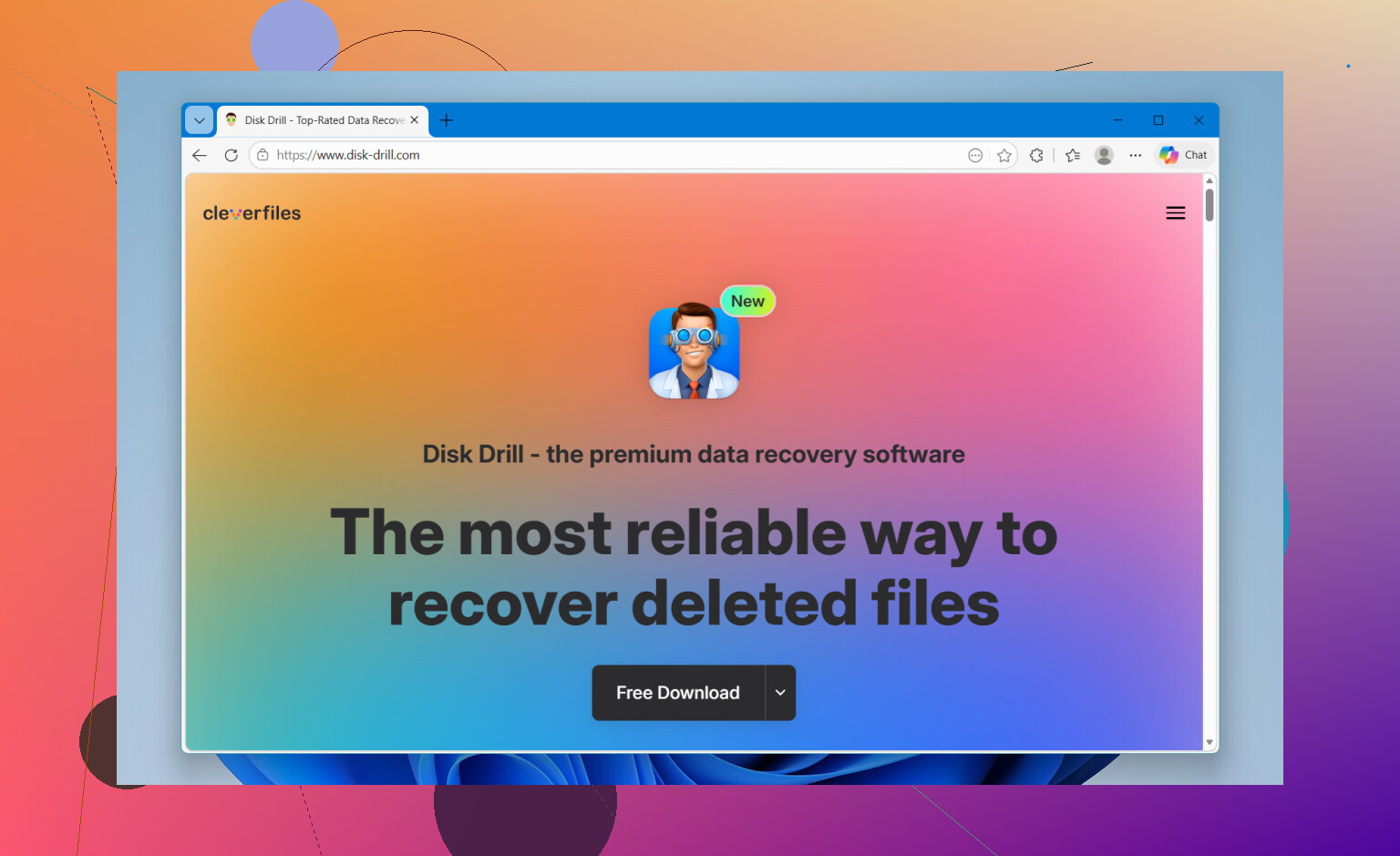
- Disk Drill was the easiest one when I needed results fast. It found deleted photos, video clips, RAW files, and it also helped with a card I had which showed up weird and half-broken. The layout is simple, so you’re not fighting the app while stressed out. File preview helped me sort junk from the stuff I cared about. The part I liked most was support for chopped-up camera video, especially from GoPro, DJI, and mirrorless gear. A lot of tools fall apart there. It also reads formats like Canon CR2 and CR3, Sony ARW, and Nikon NEF. On Windows, there’s a free recovery limit of 100MB.
- UFS Explorer felt more like a tool for people who want knobs and switches. I wouldn’t hand it to someone who wants one big “recover” button. Still, the scan quality is strong, and it deals with damaged media better than many simpler apps I’ve tried. If your card is in rough shape, this one is worth a look.
- Recuva is fine when the job is small and plain. If you deleted a handful of JPGs or MP4s on Windows, it usually does the job without much fuss. I wouldn’t expect miracles from it with harder cases or weird camera file types, but for basic recovery, it’s still useful.
- R-Photo is one of the better free Windows picks if your main goal is getting media back. The thumbnail view saved me time because I didn’t have to recover blind. If you’re sorting through lots of deleted photos and clips, that matters more than people think.
One mistake that wrecks recovery
Do not save recovered files back onto the same SD card. I’ve seen people do this in a panic, and it ruins the exact data they were trying to bring back. Save everything to your computer drive or to another external drive.
If the card is unstable
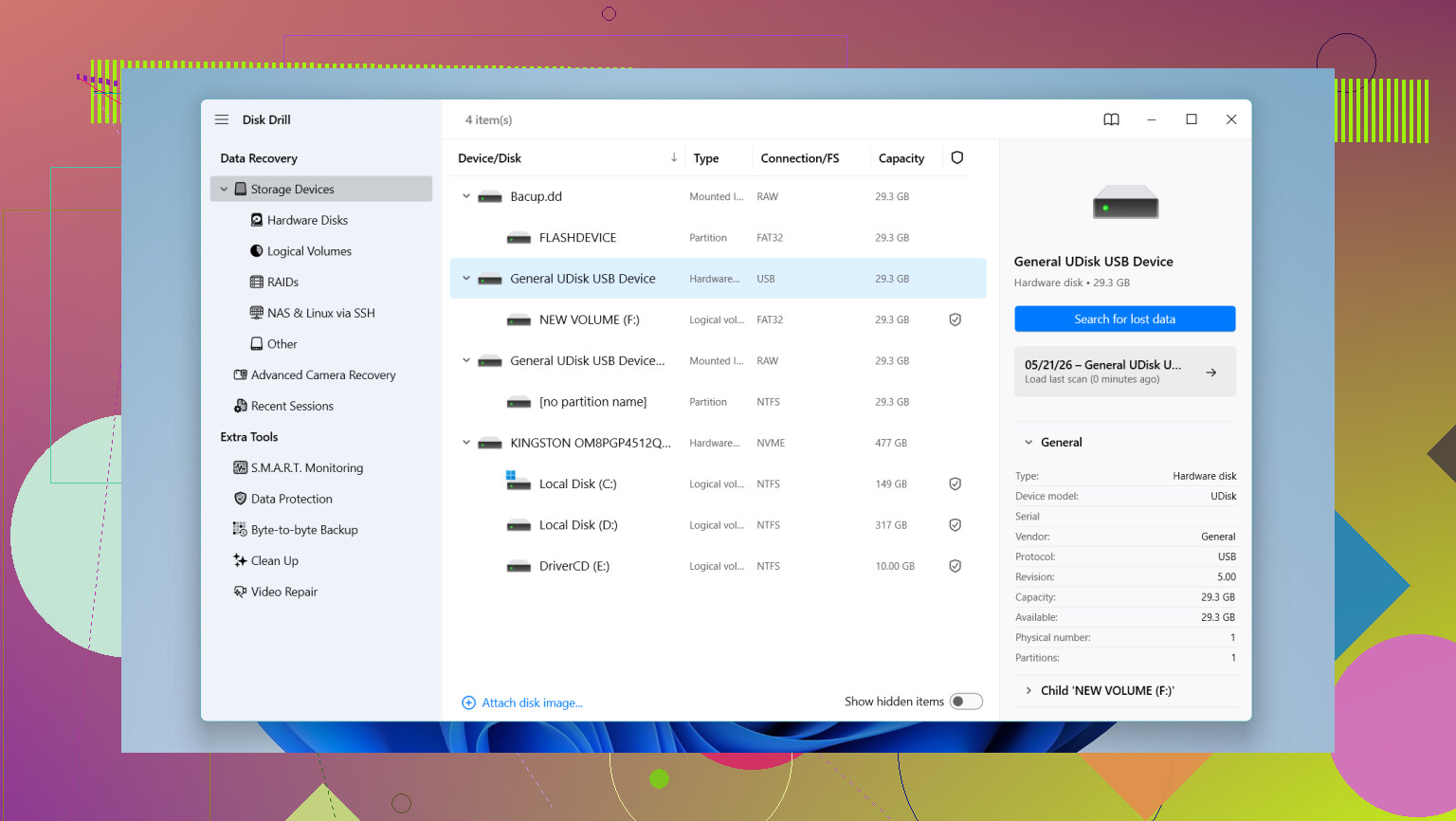
If the card disconnects, freezes, throws read errors, or acts off, I’d be careful with repeated scans. A tool with byte-for-byte backup support is safer. Make an image first, then work from the copy instead of hammering the original card over and over. This guide covers the idea well: disk image.
Short version
Stop using the card. Put it in a reader. Run a scan with preview. Check what still shows up before doing anything else. If the card seems flaky, image it first. I’d start there.
15 Likes
For a beginner, I’d keep the list short.
Disk Drill is the easiest place to start. The scan flow is simple, previews are clear, and it handles common SD card photo and video recovery well. If your files were deleted recently and you stopped using the card, your odds are still decent. I don’t fully agree with @mikeappsreviewer on Recuva as a first pick, though. It’s fine for basic JPG stuff, but it feels dated and misses more often with camera cards.
If you want free options, try PhotoRec only if you’re patient. It’s good at finding files, but the interface is kinda rough for new users. DMDE is another one worth a look. It’s not pretty, but it often pulls files from cards other tools skip.
Small rule. Recover to your laptop, not back to the SD card. People mess this up alll the time.
If you want a quick read before choosing, this short guide helps: see how Disk Drill handles deleted SD card photos and videos.
My order for beginners:
- Disk Drill
- R-Photo
- DMDE
- PhotoRec
If the card keeps disconnecting, stop and image it first. Otherwise you risk making it worse.
I mostly agree with @mikeappsreviewer and @hoshikuzu, but I’d tweak the beginner list a bit.
If you want the least confusing option, Disk Drill is probably the best SD card recovery software for beginners. The big reason is that it doesn’t make you feel like you need a computer science degree just to scan a card. Preview is super helpful too, esp if you’re trying to tell real photos from random recovered junk.
That said, I would not jump straight to PhotoRec as a newbie unless you’re very patient. Powerful? Yep. Beginner-friendly? lol no.
My simple ranking would be:
-
Disk Drill
Best mix of easy UI + solid photo/video recovery -
R-Photo
Nice if you want something free and focused on media -
DMDE
Better than people expect, but not exactly “friendly” -
Recuva
Fine for basic deletes, but kinda old-school now
One thing I’d add that hasn’t been stressed enough: sometimes files were never “deleted” from the card at all, they were moved to a weird hidden folder during transfer hiccups. Before scanning, check the card on your laptop with hidden files visible. It sounds dumb, but I’ve seen it happen.
Also, if you want more opinions specifically about recovering family clips and camera footage, this thread is useful: best recovery options for deleted home videos from an SD card.
Short version: use Disk Drill, recover to your laptop, not the card, and don’t keep messing with the SD card more than neccesary.
I’d split this into two beginner cases.
Case 1: the card is healthy and just had files deleted
- Disk Drill is the easiest starting point.
- Pros: clean interface, previews are actually useful, good with common photo/video formats, low stress for first-timers.
- Cons: free recovery is limited on Windows, and deep scans can return a lot of cluttered results.
- R-Photo is a solid second pick if you want something simpler and more media-focused.
- I’m a little less sold on Recuva than @mikeappsreviewer. For USB sticks, fine. For camera SD cards, it can feel hit-or-miss.
Case 2: the card is acting weird
- If File Explorer hangs, the card disappears, or videos were half-transferred, I’d actually skip “easy” tools first and make a card image if possible.
- That’s where I slightly part ways with @hoshikuzu and @techchizkid. Beginner-friendly matters, but unstable cards can get worse fast, so safety matters more than UI.
One extra thing nobody should ignore: if these were important photos, check whether your camera created a new DCIM folder and the files are sitting in a different numbered subfolder. Happens more than people think after interrupted moves.
My beginner order:
- Disk Drill
- R-Photo
- Recuva for very basic accidental deletes only
- DMDE only if you’re willing to learn a bit
Big rule stays the same: recover to the laptop, never back onto the SD card.