The TCL TV remote app on my iPhone suddenly stopped connecting to my TV, even though both devices are on the same Wi-Fi network. I already tried restarting the app, my phone, and the TV, but nothing fixed it. I need help figuring out why the TCL TV remote app for iOS is not working and how to get it connected again.
If you’re trying to pick an iPhone remote app for a TCL TV, the first thing I’d check is the TV platform. TCL sells sets with Roku TV, Google TV, Android TV, and sometimes Fire TV. The app choice depends on which one you have.
For day-to-day use, I had the smoothest setup with TVRem – Universal TV Remote.
It worked on the TCL sets I tested with Roku TV, Google TV, Android TV, and Fire TV. So for most newer TCL models, it covers the usual cases. I put the iPhone and TV on the same Wi‑Fi, opened the app, and it found the TV with almost no fiddling.
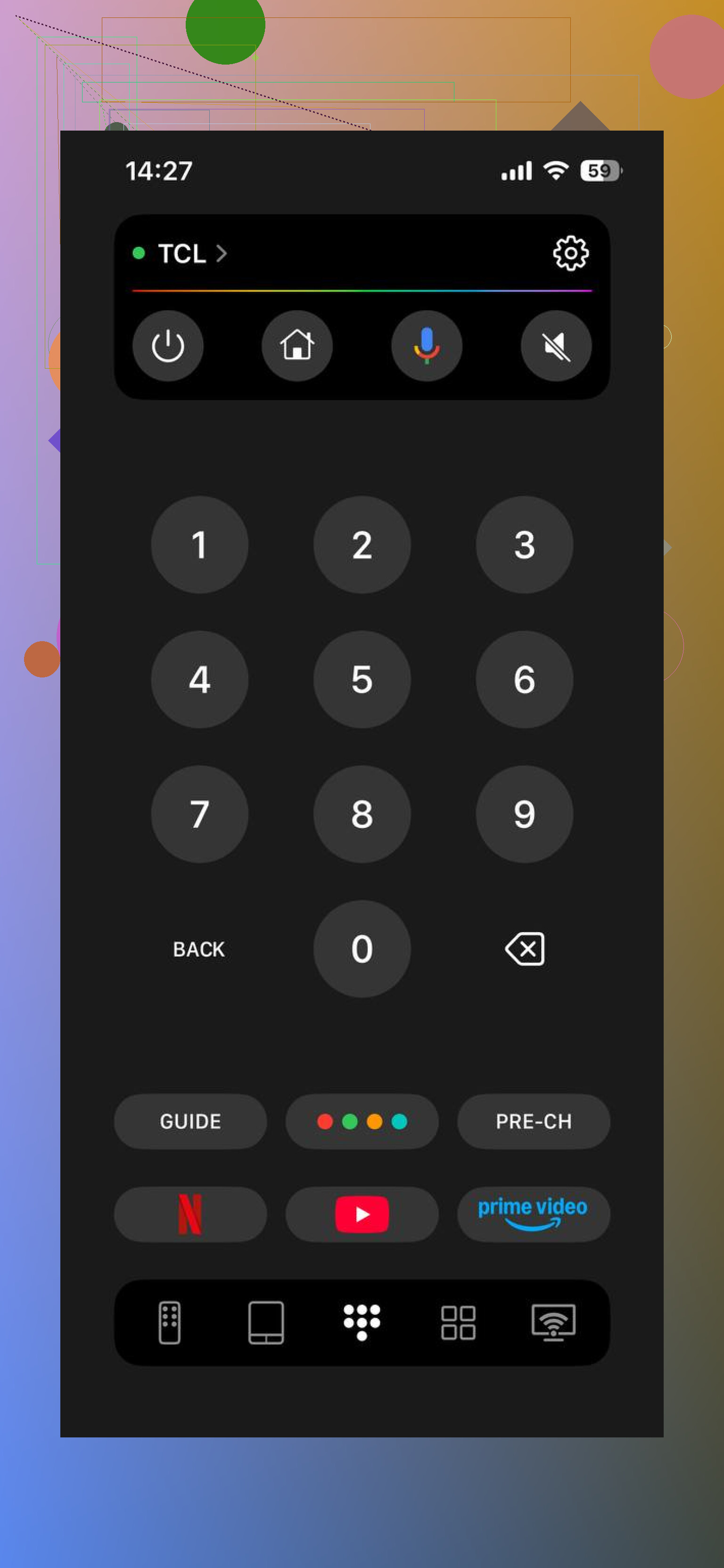
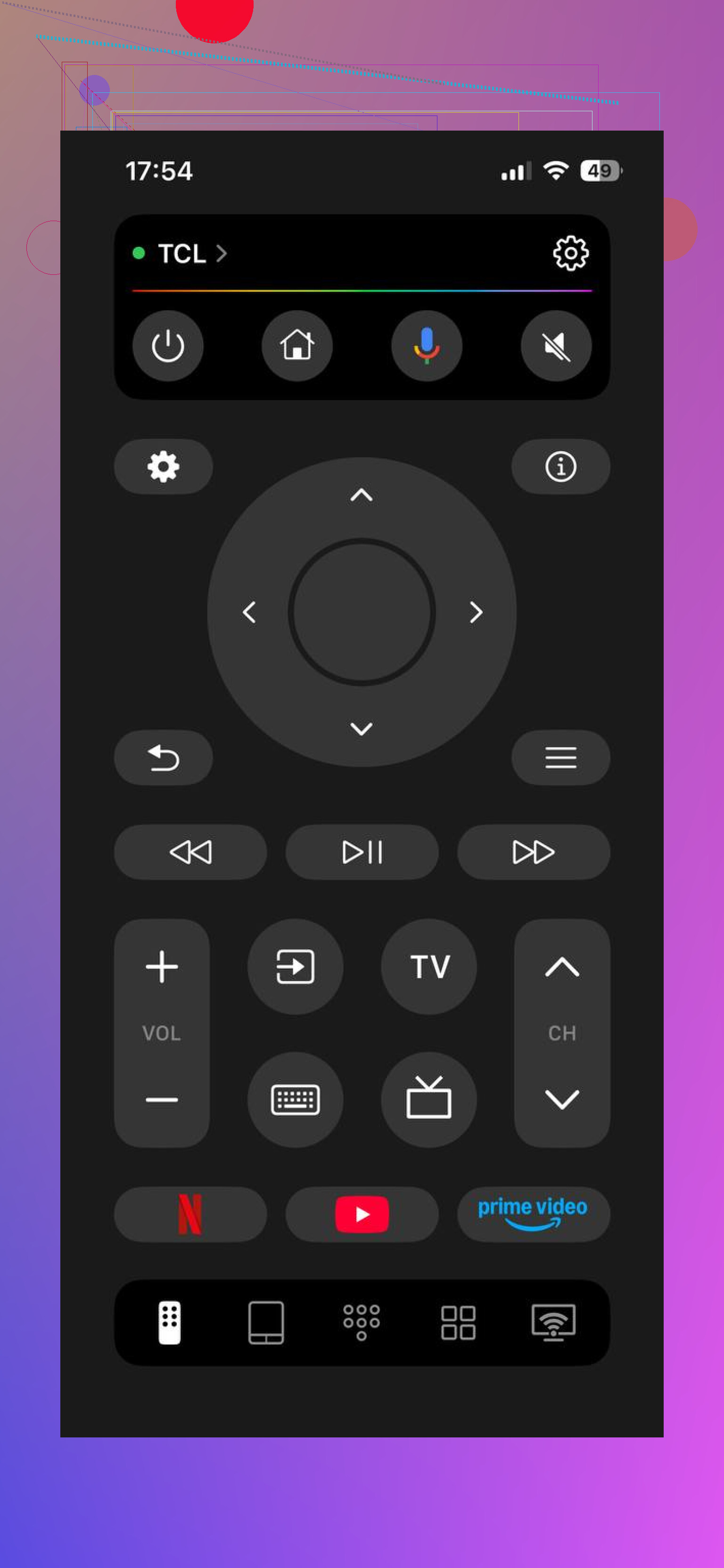
The core stuff is there. Direction pad, volume, playback, keyboard entry for apps like YouTube and Netflix, voice input, and quick access for streaming apps. What stood out to me was the free use. A lot of remote apps hit you with paywalls fast. This one didn’t do tht.
Another one I tried was TV Remote – Universal Remote.
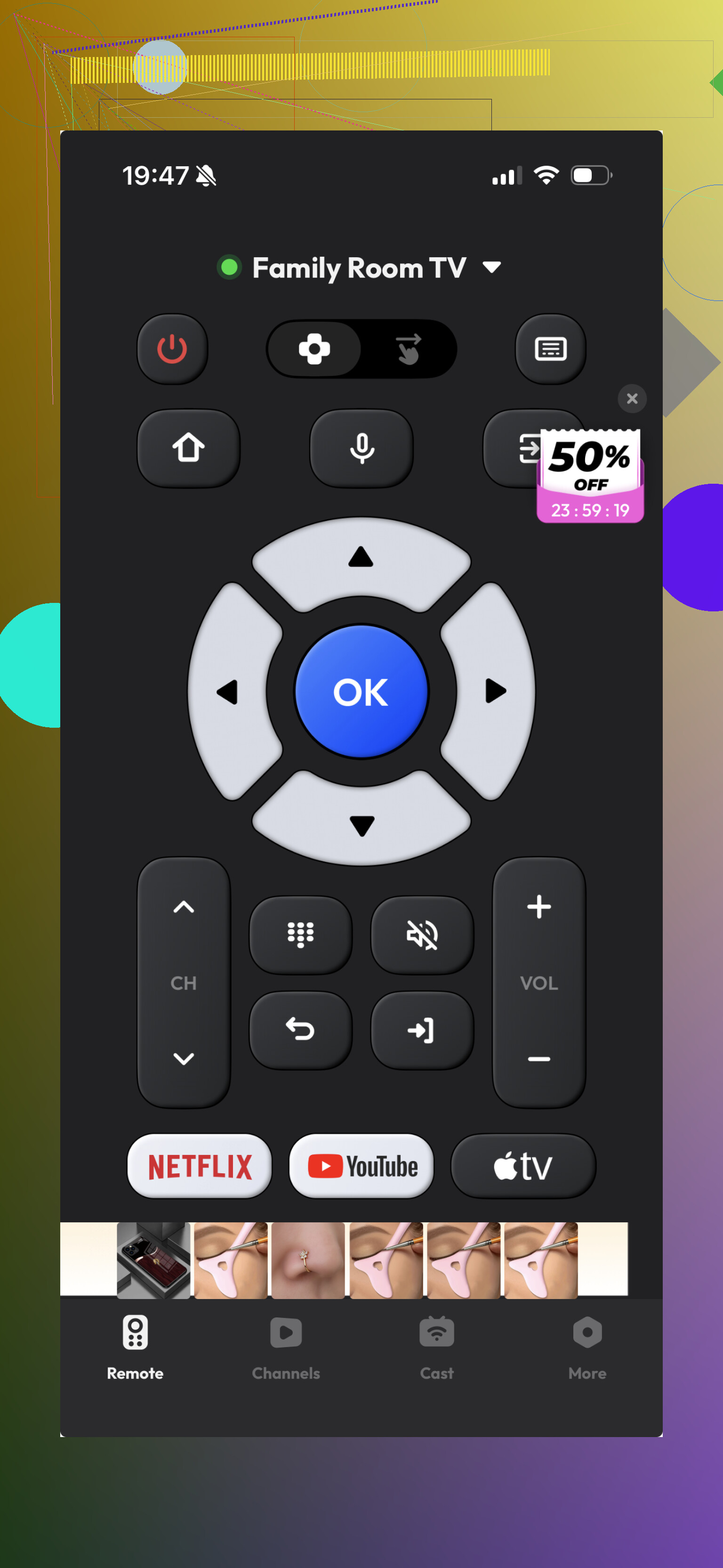
It does the basics and it connects without much trouble. Still, it felt a bit stripped down. Fine for simple control, less good if you type often or want better smart TV handling.
If your TCL is a Roku TV, the official Roku app is still one of the safer picks.
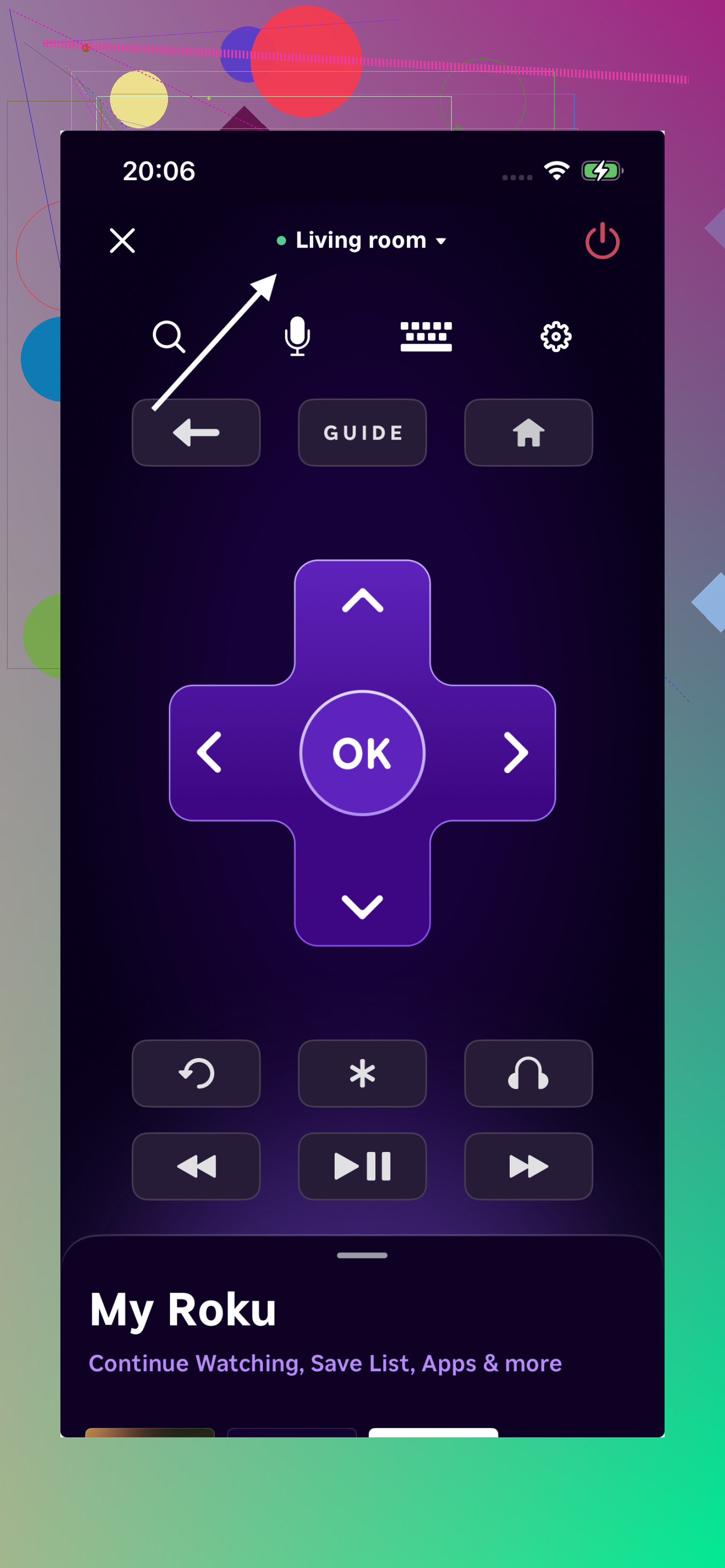
Since it’s built for Roku devices, pairing tends to be stable. Keyboard input is good, voice search feels fast, and I had fewer random disconnects with it on Roku-based TCL sets.
If your TCL runs Google TV or Android TV, the official Google TV app is worth using too.
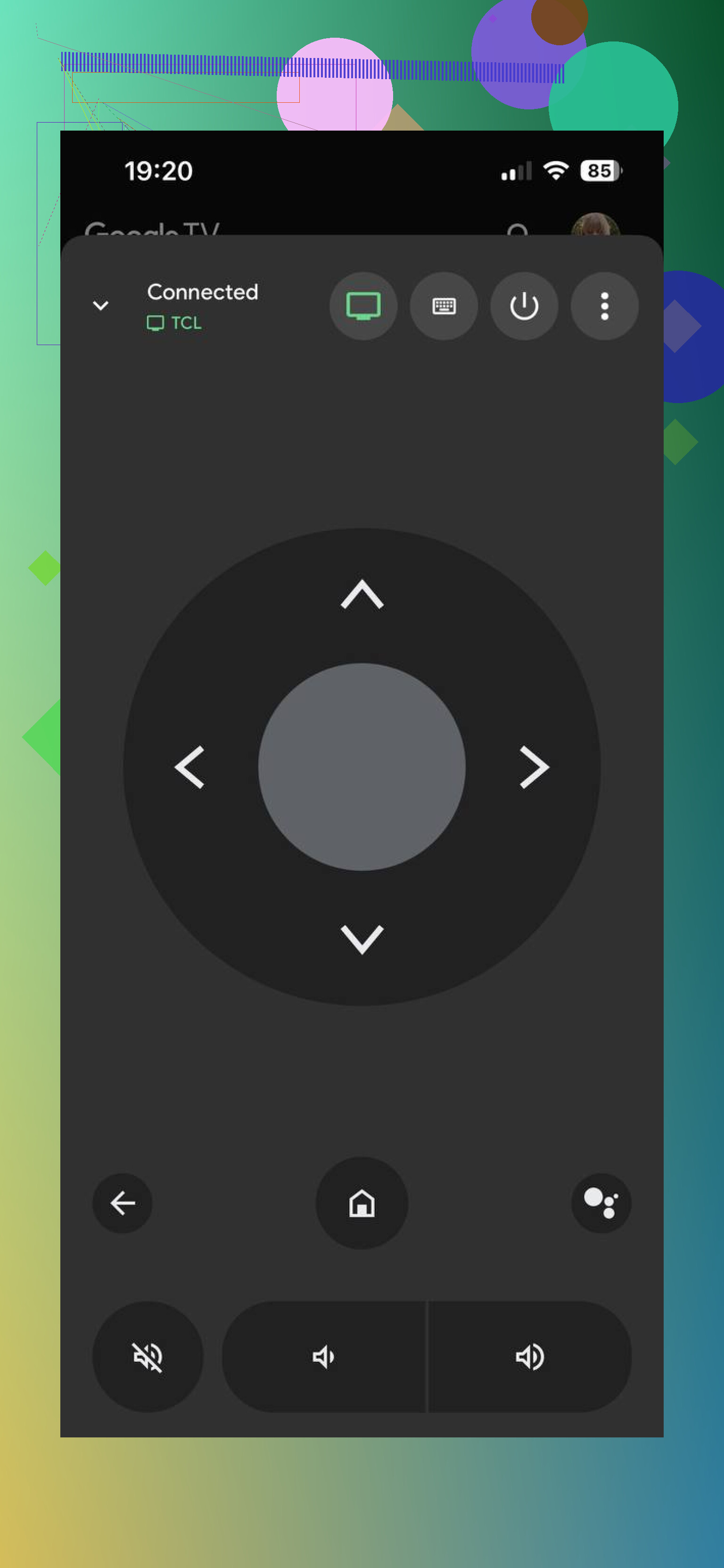
Its remote controls are built in, and on Google-based TCL models it usually works cleanly without much setup drama.
If you want one iPhone app and don’t want to keep checking whether your TCL uses Roku, Android TV, Google TV, or Fire TV, TVRem felt like the easiest all-around pick to me. It covers more TCL variants, it’s free to use, and it felt closer to replacing the physical remote than most of the others I tried.
21 Likes
Same Wi-Fi is only part of it. TCL remote apps fail a lot from local network access and TV-side pairing, not the network name.
Try these in this order.
-
On iPhone, go to Settings, Privacy & Security, Local Network. Make sure the remote app is allowed. iOS updates sometimes flip this off.
-
Turn off VPN, iCloud Private Relay, and any security app that filters traffic. Those break device discovery all the time.
-
On the TV, check the platform settings.
Roku TV, Settings, System, Advanced system settings, Control by mobile apps, Network access, set it to Default or Permissive.
Google TV or Android TV, Settings, Apps, special app access, check nearby device or network permissions if your model shows them. -
Forget Wi-Fi on the iPhone, reconnect, then test. I know you restarted stuff already, but renewing the phone’s network session fixes this more often than a reboot.
-
If your router has 2.4 GHz and 5 GHz split, put both devices on the same band for testing. Some cheap router configs get weird with discovery traffic.
-
Check if the TV got a new IP address after a router reboot. Some apps keep looking for the old one and get stuck.
I slightly disagree with @mikeappsreviewer on one point. Switching apps is not always the fix. If the official or third-party app stopped overnight, the issue is often permissions or router filtering, not the app itself.
If nothing changes, remove the TV from the app’s paired devices list and pair it agian from scratch. That step is annoyng, but it works.
Same Wi‑Fi does not always mean same network path. That’s the part a lot of remote apps choke on.
I mostly agree with @mikeappsreviewer and @caminantenocturno, but I wouldn’t jump to replacing the app first unless you confirm the TV is still advertising itself on the network. What I’d check next:
- Open the TCL TV’s network status page and verify it actually has an IP address, gateway, and internet access. Sometimes the TV says connected but it’s half-dead.
- If your router has “AP isolation,” “client isolation,” or “guest mode,” make sure neither the iPhone nor TV is on that. That setting blocks device-to-device control while keeping internet working, which is super annoying.
- Try controlling the TV from another device on the same Wi‑Fi if you can. If a second phone also fails, the problem is probly on the TV or router side, not your iPhone.
- Check router parental controls or device grouping features. Some mesh systems silently move devices into profiles that block local discovery.
- Reset only the TV’s network settings, not the whole TV. On a lot of TCLs this clears out stale discovery junk without nuking all your apps.
- If you use a mesh network, temporarily connect both phone and TV through the same node. Roaming between nodes can get weird with discovery traffic.
One more thing people skip: test the physical remote and make sure the TV isn’t lagging or freezing in the OS. If the TV software is hanging, the app won’t connect no matter how many times you reboot stuff.
If you post your exact TCL model and whether it’s Roku/Google/Android/Fire, ppl can narrow it down way faster.
I’d check one thing the others only hinted at: your TV may be asleep in a way that kills network discovery. On many TCL sets, “Fast TV Start,” “Quick Start,” or low-power standby changes whether remote apps can wake or reconnect properly. Try toggling that setting off, reboot the TV fully by unplugging it for 60 seconds, then test again.
I also slightly disagree with the idea that re-pairing is always worth doing early. If Bluetooth devices or AirPlay/Chromecast also act flaky, this can point to the TV OS networking stack being jammed, not just the remote app.
A few extra checks:
- Update the TV firmware manually from Settings, even if auto-update is on.
- Delete and reinstall the remote app so iOS asks for permissions again.
- Rename the TV if its network name has weird symbols. Some apps choke on that.
- Check date/time on both devices. Bad clock sync can break app handshakes.
- If your router has IPv6 toggles, test with IPv6 off temporarily.
On app choice, @caminantenocturno, @mike34, and @mikeappsreviewer covered the platform angle well. For a fallback, TVRem – Universal TV Remote is worth a shot if the current app keeps failing.
Pros: broad TCL platform support, simple setup, useful keyboard controls.
Cons: still depends on your local network behaving properly.