I accidentally deleted important files from my external hard drive, and now I’m trying to recover them without paying for expensive software upfront. I need a free data recovery program that actually works, is safe to use, and has a good success rate for recovering deleted photos, documents, and videos. Looking for real recommendations before I make things worse.
If you deleted files, don’t write anything else to that drive. I learned this the hard way a while back. The files are often still sitting there until new data lands on top of them. Every install, download, screenshot, or copied folder cuts your odds.
A few tools worth trying first:
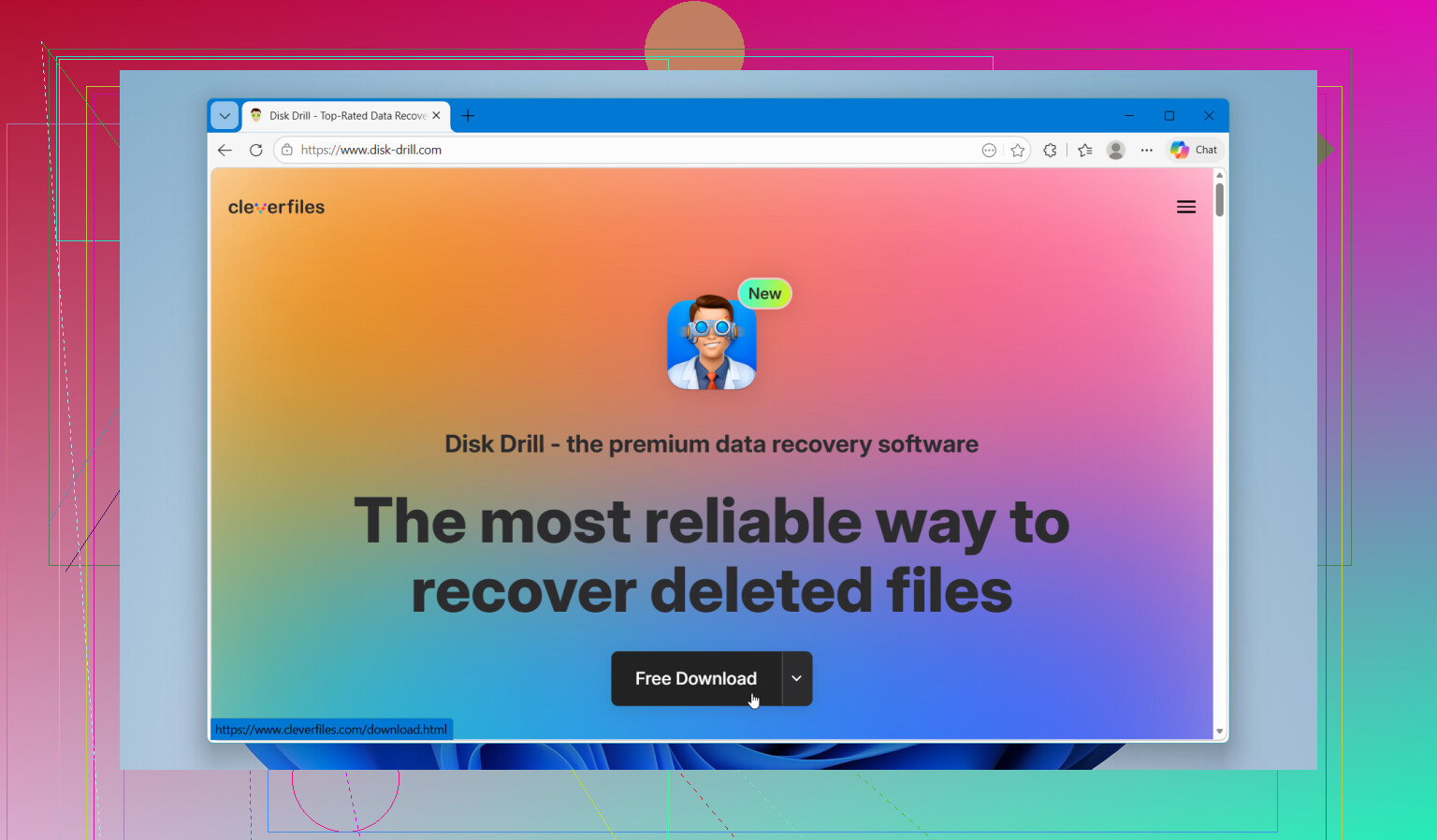
This is the one I point people to first most of the time. I used it on a trashed USB drive and on a formatted external SSD, and the layout made sense right away. It scans deleted files, formatted volumes, RAW partitions, and drives with file system damage without turning the whole thing into homework.
What sold me was the preview. I could check whether the files looked usable before spending money or wasting hours. It also includes byte-to-byte backup, which matters if your drive seems unstable and you want a safer copy before poking around more. On Windows, you get up to 100MB of free recovery, which is enough for a small test run.
- Recuva
Old, still useful. I keep it around for the easy stuff. If you emptied the Recycle Bin by mistake or removed a few photos and caught it fast, Recuva still does a decent job. It is free, light, and quick to run.
I would not use it for a badly damaged drive, messy partitions, or a huge video project. For plain documents and regular photo recovery, it still punches above its weight, even if the interface feels like it got stuck in another decade.
- R-Studio
This one is for people who don’t panic when they see dense menus and technical labels. I used it once on a damaged partition setup and, yeah, it knew what it was doing. It is strong on RAID, partition recovery, and odd storage setups.
The catch is simple. It is not friendly. If you already know why you need R-Studio, then you likely do need it. If you don’t, start with something easier and less punishing.
What to do right now:
Stop using the drive.
Do not save anything to it.
Do not install recovery software onto it.
Do not copy recovered files back onto it.
If possible, install the recovery app on another drive, then recover your files to a different drive too. Same source and target is how people make a bad day worse. seen it happen.
One thing people skip over, if the drive is clicking, grinding, beeping, dropping off mid-scan, or not appearing in BIOS or Disk Management, stop with software. Those signs point more toward hardware trouble than a simple deleted-file case. Repeated scans on a failing drive are risky. At that point, a recovery lab is the safer move, even if it hurts to pay for it.
If this was a plain deletion and the drive is still healthy, your odds are decent. Move slow. Use another drive for installs and recovered files. Check previews before you recover a ton of junk. That part saved me hours.
3 Likes
I’d start with PhotoRec/TestDisk before some of the polished apps people usually mention. @mikeappsreviewer covered Disk Drill and Recuva, so here’s the other side of it.
PhotoRec is free, open source, and strong when the file system is messed up. It ignores a lot of directory info and looks for file signatures. That means it often pulls back photos, videos, PDFs, ZIPs, and docs even after format damage. The downside, file names and folders often come back messy. If you need structure, it gets annoying fast.
TestDisk is better if the issue is partition damage instead of plain deletion. It’s not pretty, but it works. I’ve used it on an external HDD that vanished from Explorer and it brought the partition back without needing paid software. Bit of a pain to learn tho.
If you want the easiest path, Disk Drill is still a solid pick for a first scan, mostly for file preview and cleaner sorting. For fully free recovery with no tiny cap, PhotoRec deserves a shot first.
Also worth checking this video review of the best data recovery software for deleted files if you want a quick side by side look before you install anything.
My order would be:
- PhotoRec for deep free recovery.
- TestDisk if the partition is missing.
- Disk Drill if you want a simpler interface and preview.
One small disagreement with the usual advice, Recuva is fine, but on external drives with file system issues I think people waste time on it. It’s better for easy deletions, not messy cases.
Save recovered files to another drive. Not back to the same one. Thats where people screw it up.
I mostly agree with @mikeappsreviewer and @chasseurdetoiles, but I’d add one thing people skip: check the drive’s health before doing a giant scan. If the external HDD is throwing SMART warnings, disconnecting randomly, or making weird noises, recovery software can turn into a long useless slog real fast.
For actually free stuff, I’d look at Windows File Recovery too if you’re on Windows. It’s ugly, command line only, kinda annoying, but it’s from Microsoft and totally free. Not fun, but it can work suprisingly well on simple deletions. Worth a shot before you start installing five different apps.
If you want easy mode, Disk Drill is still the most beginner-friendly option imo. The preview alone saves time because you can see if the file is recoverable before messing with exports. I don’t love the free cap on Windows, so I disagree a bit when people call it fully “free”, but as a first pass it’s solid and safe if you install it somewhere else.
Also, this best data recovery software list for external hard drives and deleted files is a decent place to compare tools without digging through a bunch of fake review sites.
Short version:
- Simple accidental delete: Recuva or Windows File Recovery
- Missing partition: TestDisk
- Deep file carving: PhotoRec
- Easiest interface and preview: Disk Drill
And yeah, recover to a different drive. Saving back to the same drive is how people speedrun regret.
One angle I’d add that @chasseurdetoiles, @stellacadente, and @mikeappsreviewer only touched lightly: clone first if the drive is even slightly sketchy. A cheap sector-by-sector image with something like HDD Raw Copy Tool or ddrescue can save you from turning one recovery chance into zero. I actually disagree with the “scan first, decide later” habit a lot of people have. On healthy drives, fine. On flaky externals, bad gamble.
If the drive is healthy and this was just deletion, my shortlist would be:
- Windows File Recovery if you want truly free and can tolerate command line
- DMDE if you want a powerful free option with better filesystem awareness than pure carving tools
- Disk Drill if you want the easiest previews and least confusing workflow
Disk Drill pros:
- very easy to use
- good preview support
- handles deleted files plus tougher filesystem cases
- clean sorting, which matters when you’re digging through thousands of results
Disk Drill cons:
- free Windows recovery limit is small
- not the best choice if you want unlimited free recovery
- can encourage people to scan forever instead of imaging first
DMDE is the sleeper pick here. Less beginner-friendly than Disk Drill, but often better than the usual “free” apps when folder structure still exists. That matters if you need actual project folders back, not just a pile of renamed files.
My take:
- Need free and decent structure recovery: DMDE
- Need beginner-friendly scanning: Disk Drill
- Need raw, no-cost emergency options: Windows File Recovery or PhotoRec
Big thing: if the external drive is SMR and recently had lots of writes, deleted-file recovery odds can drop faster than people expect.