I’m trying to find a Sony universal remote app for my iPhone because my original remote stopped working. I’ve searched the App Store but I’m not sure which app is compatible with my Sony TV or if there’s an official option. I need help finding a reliable app that works and is easy to set up.
I went through this a while back with a BRAVIA in the living room, and it came down to two types of apps. One is a general remote app. The other is built only for Sony. Both did the job. They did not feel the same once I used them for a few days.
If you want one app you keep on your phone and forget about, TVRem – Universal TV Remote is the better pick. My setup took almost no effort. Same Wi‑Fi, open the app, tap the TV, done. On Sony sets with Android TV or Google TV, it worked cleanly, including BRAVIA lines like X80, X90, A80, and A95. The part I liked most was simple. It did not stop at Sony. I used the same app with Samsung, LG, Roku, and Fire TV too.
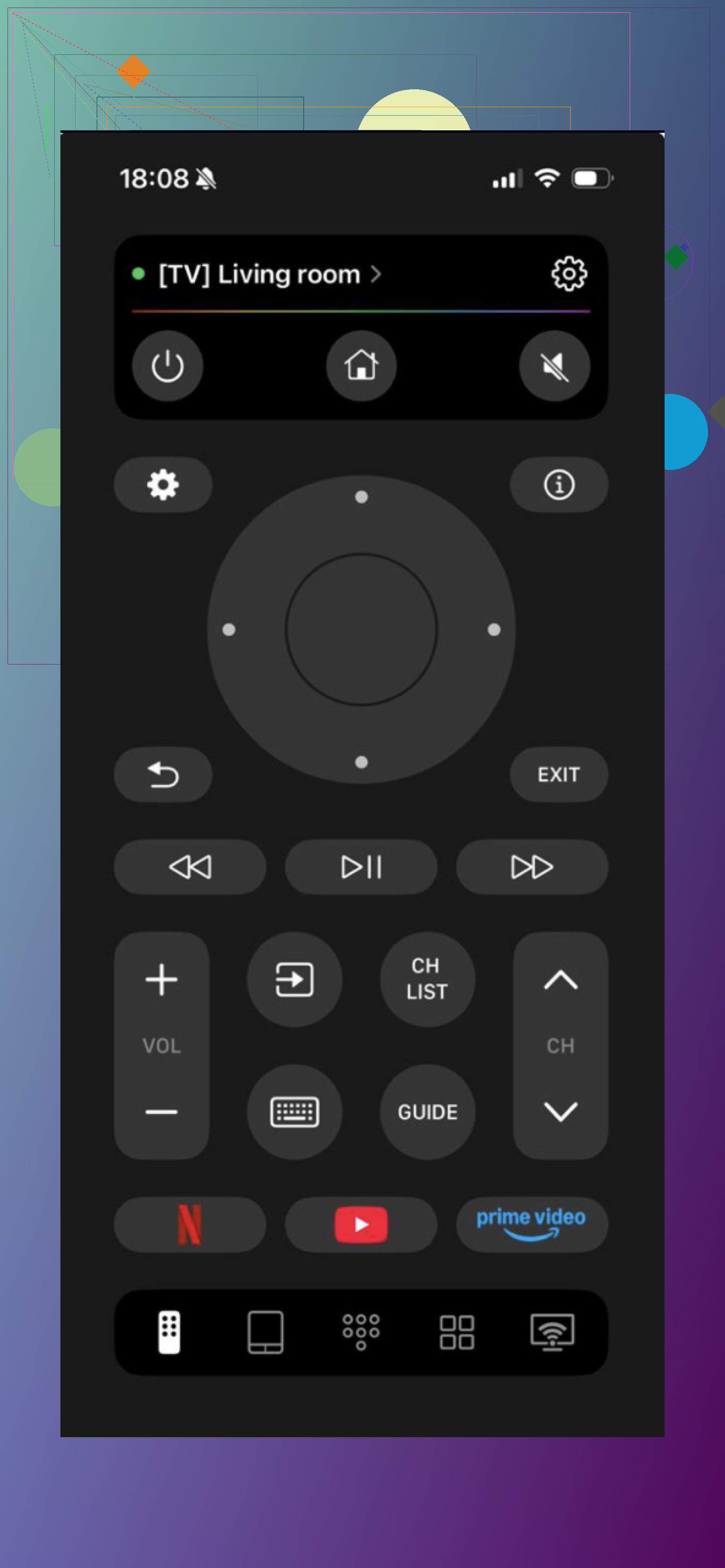
That matters more than it sounds. If you have more than one TV at home, you do not end up juggling a pile of remote apps. Typing felt quicker. Moving around menus felt smoother. Voice input was there when I needed it. Small stuff, but you notice it fast.
The other option, Remote Control for Sony TVs, felt more old-school to me. You pair it, punch in a code, and you get something close to the physical Sony remote layout. All the expected buttons are there, and it works fine for basic control. I did not run into anything broken. It simply felt narrower in scope, and it only made sense for Sony gear.
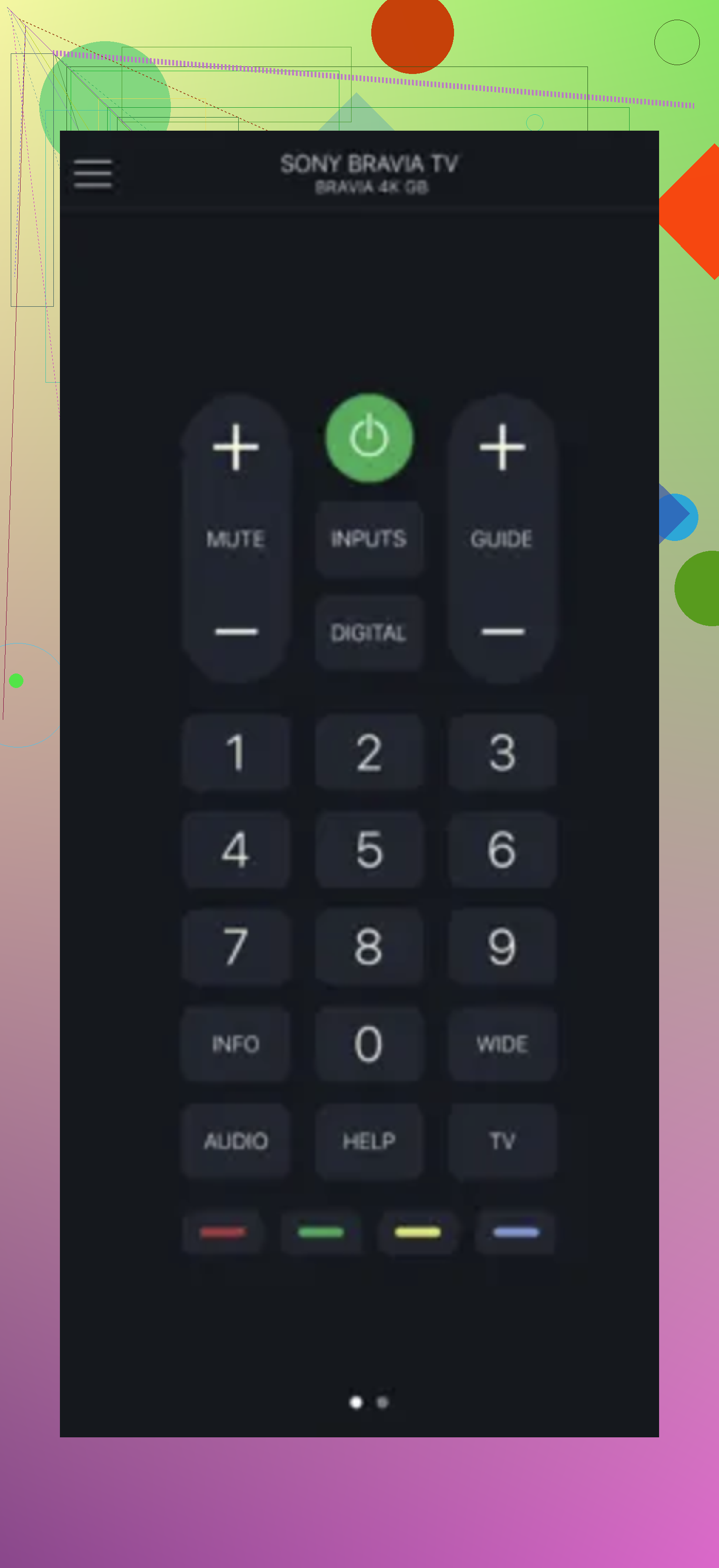
If your only goal is a plain Sony remote on your phone, the Sony-focused app is fine. If you want an app you will still be using months from now, instead of swapping it out later, TVRem made more sense from my side.
5 Likes
I’d check one thing first. Your iPhone has no IR blaster. So if your Sony TV is older and only used infrared, no iPhone app will control it by itself. You’d need a Wi Fi based TV, or a separate IR hub.
If your Sony is a BRAVIA with Android TV or Google TV, use Sony’s own ecosystem first. Try Google TV on iPhone for basic playback and navigation if the TV is tied to your Google account. If it supports HomeKit or AirPlay features, those help for input and media control, but not a full remote.
I slightly disagree with @mikeappsreviewer on one part. I would not pick a universal app first if your only target is one Sony TV. I’d confirm model compatiblity first, then pick the app. Faster, less guesswork.
Best path:
- Find your exact Sony model number.
- Check if it has Wi Fi and Android TV or Google TV.
- If yes, remote apps over network should work.
- If no, look at an IR hub setup.
That saves time and avoids downloading five apps for no reason.
I’d split the difference between what @mikeappsreviewer and @hoshikuzu said.
If your Sony TV is newer, the easiest thing to check is whether it already supports Sony’s own TV SideView / Video & TV SideView style setup, or the built-in Google TV controls on iPhone. A lot of people skip that and go straight to third-party apps. Sometimes that’s backwards tbh.
One thing I kinda disagree on: people focus too much on “official” when Sony’s app support has been a bit all over the place over the years. So official does not always mean best. Sometimes the universal apps are just less annoying.
What I’d do:
- check your Sony model on the sticker/back
- see if it’s a BRAVIA smart TV on WiFi
- try the built-in control options first
- if those are weak, then use a universal app like the one @mikeappsreviewer mentioned
If the TV is old-school IR only, your iPhone alone won’t do it. No app can magic that away, lol. You’d need an IR hub.
Also watch for App Store listings that say “for Sony” but are stuffed with ads or subscriptions. Some are kinda junky, not gonna lie.