I’m trying to improve my Tinder and dating app profiles and keep hearing about AI dating photo generators that can turn regular pics into more polished, attractive profile photos. I’ve tried a few random tools I found online, but the results looked fake, over-edited, or nothing like me. Can anyone recommend reliable AI tools or apps that create natural-looking dating photos, and share any tips on how to use them for better matches?
I went down a weird rabbit hole with AI dating photos over the last few weeks, so here is what I found that actually held up once the novelty wore off.
I tested a bunch of apps for Tinder and Bumble photos, because getting a few solid pictures is way more work than I expected. Most people I know either have one decent group shot from a wedding or five car selfies. Neither works well.
AI sounds like a cheat code, but most apps either turn you into a wax doll or a Marvel extra. I wanted something that still looks like a real person you might bump into at a bar, not an AI cosplay of myself.
Eltima AI Headshot Generator: Where I landed first
Link for iOS:
I started playing with Eltima AI Headshot Generator after getting sick of trying to schedule “candid” photos with friends. The whole thing felt forced, so I tried this instead.
The idea is simple. You give it a few selfies, it builds an internal version of “you”, and then you generate photos in different settings and styles. Not fantasy stuff, but things that pass as “oh, someone took that on a good phone”.
Here is one of the Tinder sets I got out of it:
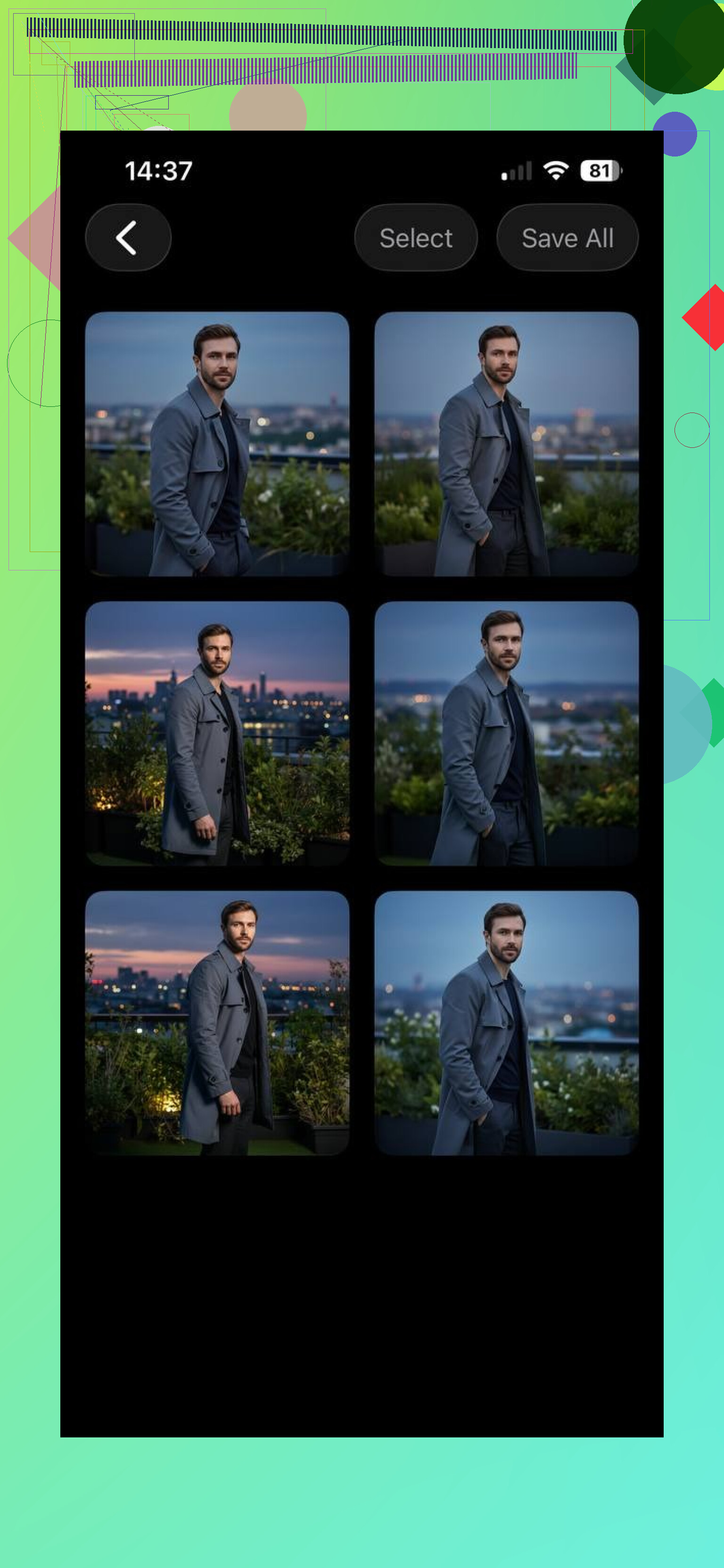
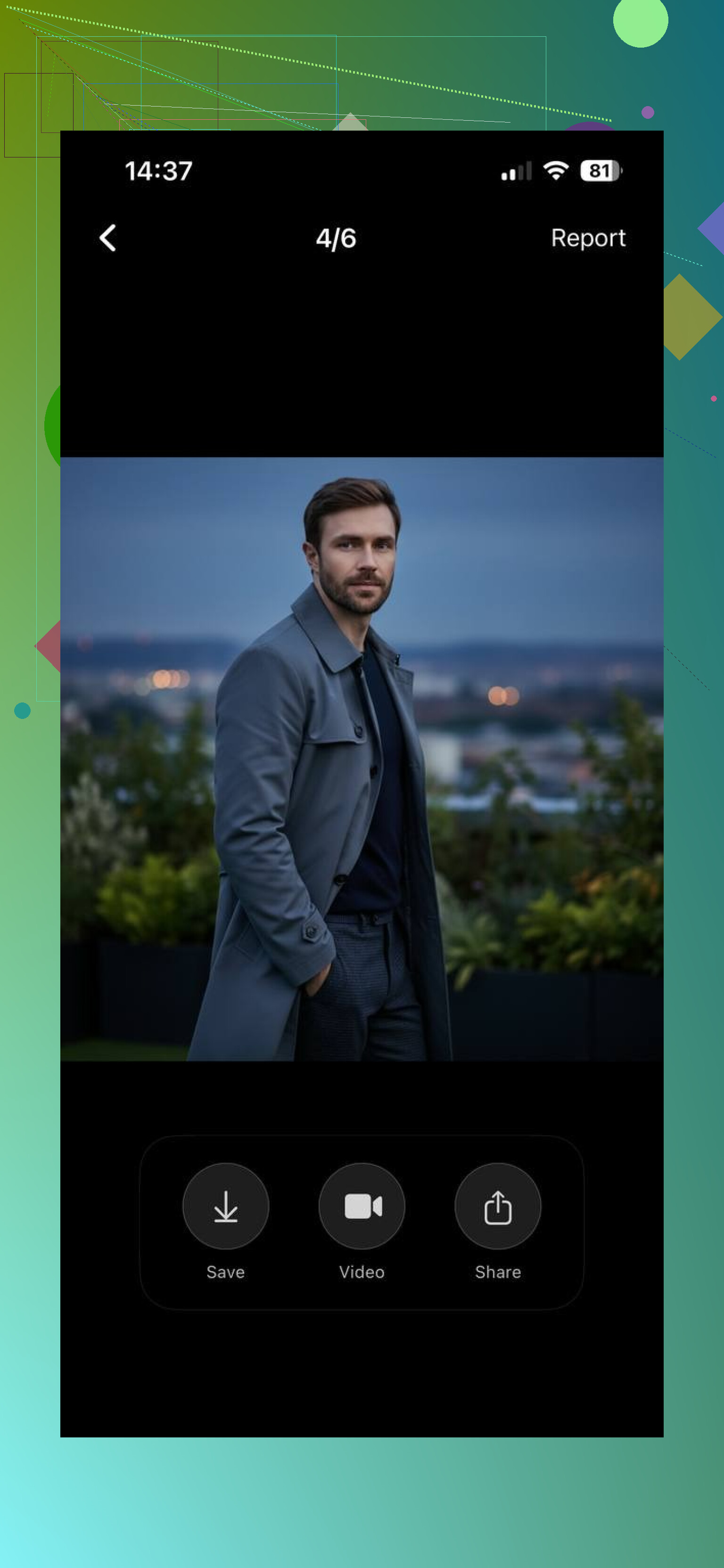
They are not perfect, but they look enough like me that I would not feel weird showing up to a date after using them.
How the workflow went for me
This is roughly what I did, nothing fancy:
- I picked 3 selfies where my face was clear, no sunglasses, no heavy filters, no friends in the frame.
- Uploaded those and let the app build the profile. This part was automatic, no sliders or tech stuff.
- Then I picked styles. The labels are pretty straightforward: casual, lifestyle, glamour, more confident poses, outdoor shots.
- Hit generate and then sorted through what it spit out for “this looks like me on a good day” vs “this looks like my cousin”.
You do not need editing skills. The only real “work” is choosing which outputs feel honest enough to use.
Quick note that matters more than I expected: aspect ratios
This part sounds boring until you hit it.
Different dating apps crop pictures differently. A lot of AI tools give you one square image and leave you to guess if it will crop your face off on Tinder.
Eltima AI Headshot Generator supports:
• 1:1 for main profile pics
• 4:5 which fits Tinder and Bumble feeds
• 3:4 and 4:3
• 16:9 and 21:9 if you want wider or full body type stuff
I stopped needing to screenshot, crop, upload, change, re-upload. The photo sizes already lined up with what the apps expect.
Styles that felt made for dating profiles, not generic “AI art”
The presets felt tuned to “dating photo” use, not “look cool on a poster”.
These were the ones that worked for me:
• Clean casual: looks like someone took a photo while you were talking at a cafe.
• Lifestyle: more movement, slightly wider frame, you doing “a thing” instead of staring at the camera.
• Confident poses: less forced than it sounds, more like “you looked up from your phone and someone snapped you”.
• Outdoor: better background lighting, parks, city, that type of thing.
• Glamour: a bit sharper and more polished, but still recognizable as you and not some random model.
They came out flattering but still close enough to how I look that I would not feel like I was catfishing someone.
Animated clips
One small extra that I did not expect to care about, but ended up using.
Eltima AI Headshot Generator lets you turn some of the dating photos into short moving clips. Tiny head turns, slight camera movement, blink, that kind of thing. On apps that support video, this helps your profile look less static.
It is not TikTok-level production. More like a moving photo. I used one as a secondary media slot, not the main picture.
Why I kept it installed: zero photoshoot effort
My favorite part: you do not need a “real camera day”.
I used:
• One selfie in my kitchen with okay lighting
• One selfie in my car at noon
• One front-facing shot against a plain wall
That was enough for the app to learn my face. The outputs looked like they were taken with a better camera, in better locations, but still with my features and frame. No ring light, no tripod, no recruiting a friend.
Now, the comparisons
GIO
Here is roughly how GIO outputs looked for me:
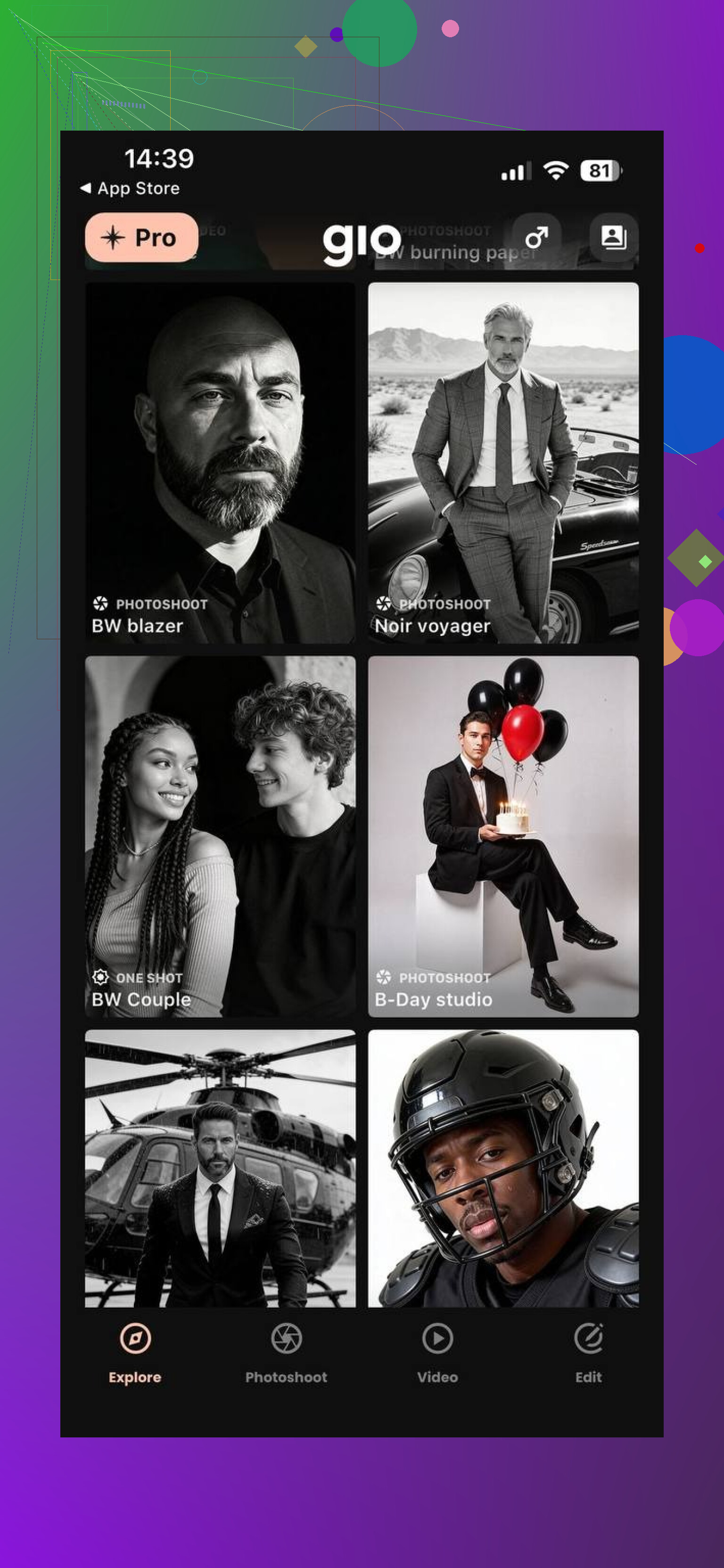
GIO is very much “dating profile first”. Fast setup, templates aimed at making you look attractive in a safe, Instagram-friendly way.
Pros I felt:
• Easy to understand.
• Good at fixing bad lighting and weird camera angles.
• Gives strong “this is a good profile picture” energy with minimal effort.
Where it lost me a bit:
• The skin smoothing goes overboard. My face sometimes looked like a plastic figure, especially in closeups.
• A few photos looked more like AI-touched stock photos than like something a friend would have taken.
• After a batch or two, the poses and vibes started to all blend together.
If you want something quick that hides flaws, GIO does that. I had to resist the urge to use the more extreme ones because they did not feel honest.
MOMO
MOMO went in a different direction for me.
Example output:
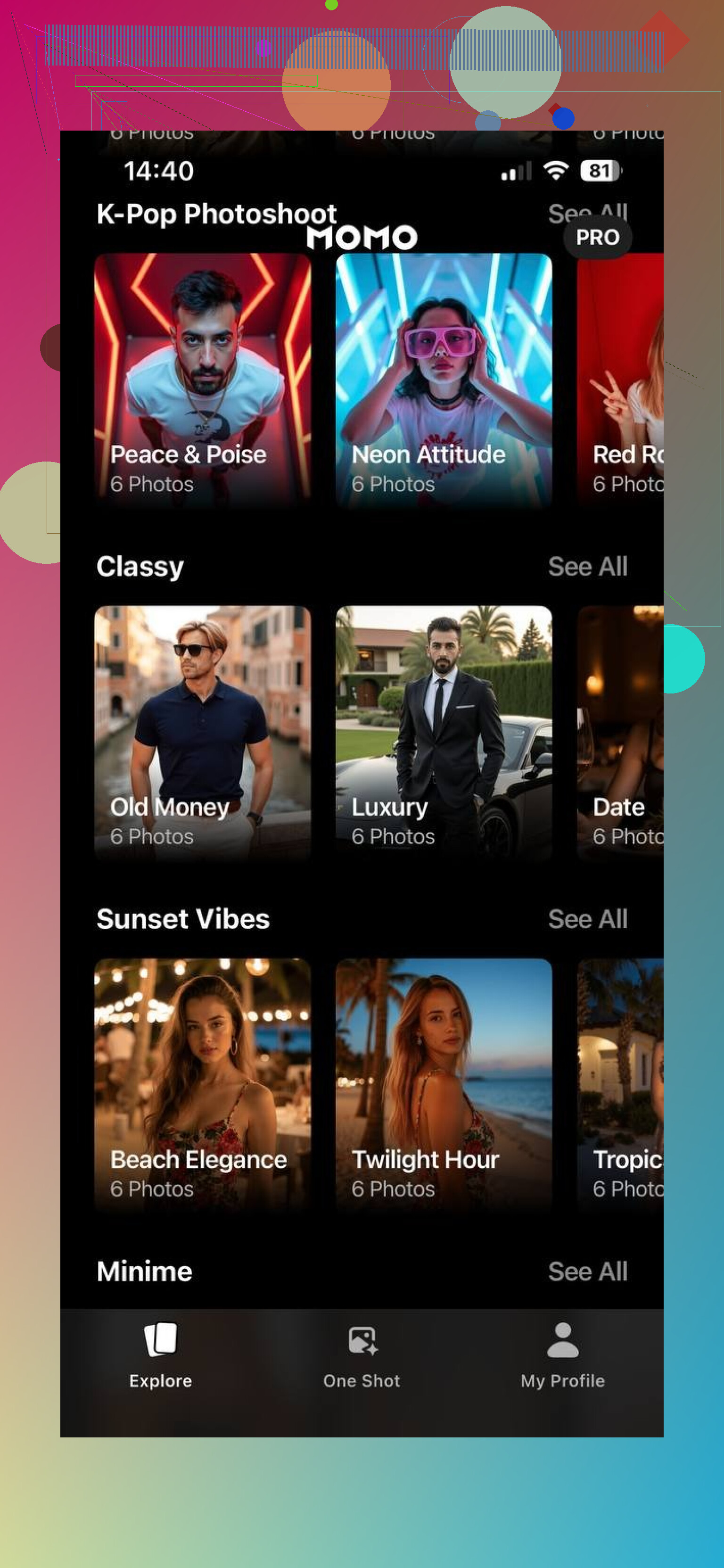
It leans heavily into stylized looks. Very social-media-forward.
Where it works:
• If you want bold, trendy, Instagram-style photos, it hits that lane.
• Some shots look like you hired a creative photographer for a lookbook.
Where it goes sideways for dating apps:
• The likeness drifts. Some of the faces looked like a cousin or a “version of me” but not quite me.
• In a few outputs, I saw jawlines and eyes that did not match my real proportions.
• It felt centered on visual impact rather than accuracy.
I would use MOMO for social media experiments, maybe content, not as the main source for Tinder pictures if I care about matching expectations in real life.
Where I ended up using what
Here is how I split things in practice:
• Eltima AI Headshot Generator: main dating app photos, both primary and secondary. Good mix of realism and polish.
• GIO: backup photos where I wanted an extra angle with better lighting, but I filtered hard to avoid the most airbrushed ones.
• MOMO: kept it for fun, not for honest dating pics.
If your goal is to show a version of yourself that someone would recognize across a table on a first date, this link is where I had the most consistent results:
I still deleted a chunk of outputs from every app. None of them are perfect. But Eltima gave me the highest number of “I would put this on my real profile and not feel weird explaining it later” photos, plus the correct aspect ratios so I stopped wrestling with cropping inside Tinder and Bumble every time.
24 Likes
I went through this same rabbit hole a few months ago. I agree with a lot of what @mikeappsreviewer said about realism, but I’d tweak the approach a bit if your goal is more matches, not only nicer photos.
Here is what worked for me after testing Eltima AI Headshot Generator, GIO, and some others like Remini, Secta AI, and a couple of web tools.
-
Start with one real anchor photo
Use an AI app for most pics, but keep your first photo real.
Front facing, good light, neutral background, no filters.
This sets expectations so the AI ones feel like “same person on a good day”, not a different person. -
Use AI for specific “slots”, not your whole profile
What I generate with AI now looks like this:
• One “clean casual” portrait for slot 2
• One lifestyle shot with a hobby (guitar, gym, cooking, whatever)
• One full body with normal clothes, no runway stuff
That gives you variety without turning the whole profile into a model shoot. -
Tools that helped, beyond what was alredy mentioned
Eltima is solid for dating style photos. I agree there.
Some extra angles you might want to try:
• Remini (app)
Good for upgrading real photos instead of full AI generation.
I use it to:
- Fix bad lighting in real pics
- Sharpen slightly blurry shots
- Reduce under eye shadows without plastic skin
If you already have decent photos, this is safer than full AI faces.
• Secta AI (web)
More “professional headshot” focused, but the casual presets work for Hinge and Bumble.
The likeness stayed closer to my real face than MOMO.
Better if you want one strong main photo for multiple apps.
-
Settings to avoid if you do not want to look fake
From trial and error:
• Skip heavy “beauty” sliders. If your pores disappear, it is too much.
• Avoid fantasy backgrounds, neon lighting, or unusual eye colors.
• Avoid jawline reshaping and face slimming. On dates people notice that mismatch fast. -
Match style to each app
What got me more matches by app:
Tinder
• One real main pic
• One AI casual portrait
• One AI full body
• One real social shot with friends blurred or cropped
Bumble
• One clean AI lifestyle photo with an activity
• One real smiley close up
• One AI outdoors pic
Hinge
• Go heavier on real photos, lighter on AI.
People on there seem more sensitive to overedited faces.
-
Quick photo guidelines that paired well with AI
Even with AI, the inputs matter a lot. What worked best:
• 6 to 10 source selfies, no sunglasses, no hats
• Neutral expressions, a couple of smiles
• Avoid extreme angles
Bad inputs gave me “cousin versions” of myself. -
Small honesty check
I ran this test and it helped keep things sane:
I asked two friends to rate “would you recognize this person in real life as you” from 1 to 10 on each AI output.
If both gave 8 or higher, I kept the photo.
If anyone said 6 or below, I deleted it.
If you want to save time, my current mix is:
• One real selfie, lightly cleaned with Remini.
• Two Eltima AI Headshot Generator outputs in casual and lifestyle.
• One real full body, maybe with slight lighting fix.
That gave me a clear uptick in matches without weird reactions on first dates.
Short version: AI pics help, but only if they still look like you and you don’t outsource 100% of your profile to a filter.
A few angles that @mikeappsreviewer and @yozora didn’t really lean on:
1. Fix your existing photos first before going full-AI
You’ve already tried random tools, so instead of only generators, try a “repair + lightly enhance” workflow:
- Use any decent editor (even built‑in phone tools) to:
- Straighten horizon
- Crop tighter on your face
- Bump brightness / reduce harsh shadows
- Then run those through an app that enhances instead of re-inventing your face. Tools like this usually:
- Sharpen eyes slightly
- Clean noise
- Improve colors
No fantasy backgrounds, no new jawline. This alone often beats mediocre AI generations.
2. Don’t let AI pick your vibe
The mistake I see: people feed 10 selfies in and blindly accept the “best looking” outputs. You want “this looks like how I actually show up in real life,” not “Instagram model that vaguely shares my DNA.”
When you generate batches, filter them like this:
- Delete anything where:
- Your nose / jaw looks structurally different
- Eye color / eye size changed noticeably
- Skin looks like plastic or you lost all texture
- Keep:
- Slightly nicer lighting
- Cleaner background
- Better composition
Basically: AI as a lighting assistant, not a plastic surgeon.
3. One thing I actually disagree on with them
Both of them lean pretty hard on mixing AI + real pics across multiple slots. Personally I’d avoid using AI for full-body shots unless the likeness is insanely accurate. Full body is where proportions go weird fast: shoulder width, arm thickness, height relative to objects, etc.
Instead:
- Use AI only for upper-body or head & shoulders pics
- Keep full body strictly real, maybe lightly enhanced
People care a lot about body realism once you meet. If anything’s going to betray you, it’s a generated full‑body shot.
4. Treat AI pics as “bonus angles”
Thinking in slots helps, but I’d simplify:
- Slot 1: Real, natural, front-facing.
- Slot 2: Slightly polished AI pic that still clearly looks like you.
- Slot 3: Real full body.
- Slot 4+: Real candid / social shots, maybe with small color / lighting tweaks.
So AI is your “oh wow, good lighting and nice background” slot, not the main identity.
5. A few practical constraints that matter more than the app you choose
Whatever generator you keep using or try next, pay attention to:
-
Glasses / facial hair consistency
If you wear glasses or a beard 100% IRL and AI keeps removing them, skip those outputs. People really do notice when you show up looking like a different character model. -
Age drift
Lots of tools quietly de-age you 5+ years. If you suddenly look like a college sophomore and you’re not, pass on those. It feels like a filter, not you. -
Background sanity
Avoid stuff that screams “AI playground”: weird bokeh, dreamlike studios, random neon. Pick environments that look like places you’d actually be.
6. Measure with actual results, not vibes
Before you overhaul your whole profile with AI shots, run a simple test:
- Week 1: Mostly real pics, one AI pic
- Week 2: Same bio, same prompts, mix in 2 AI pics, keep 2 real
Compare: - Right swipe rate
- Match to conversation ratio
- How often people say “you look different from your pics” or “you look just like your photos”
If you start hearing “you look different,” you went too far with the prettifying.
7. Final sanity check
Ask one brutally honest friend:
- “If this was my profile and you met this guy in person, would you feel misled at all?”
If they hesitate, delete that photo.
So yeah, AI can absolutely upgrade your Tinder / Bumble game, but treat it like lighting, angle, and background help, not a replacement for how you actually appear. Otherwise you just trade “mid photos” for “awkward first dates where someone is trying to figure out why your chin changed shape.”