I accidentally formatted my SD card two times before realizing it had important photos and videos on it. I stopped using it right away, but now I’m worried I made recovery much harder. I need help figuring out if my files can still be recovered and what steps I should take next.
I had almost the same thing happen with a drone SD card last summer, and yeah, it felt awful. I was rushing to get in the air before sunset, saw some weird storage error in the app, hit “Format SD Card” without thinking, and then remembered I still had the whole morning’s footage on there. Sick feeling. Still, a formatted card does not always mean your files are gone for good.
Most people think formatting wipes everything clean. Usually it does not. If you did a full format on a computer, or used one of the few cameras with a lower-level erase routine, then the story changes. On most phones, drones, cameras, and tablets, the device does a quick format.
The short version is this. A quick format clears the file system records. It does not immediately erase the photo and video data sitting on the card. Your device stops seeing those files and treats the space like it is empty, which means new recordings can write over the old data. So the problem is not the format by itself. The problem is what gets saved after it.
If you want the best shot at recovery, do this right away.
- Stop using the card now
Pull it out. Do not take more photos. Do not record test clips. If your SD card has a lock switch, flip it. I did this the second time I messed up a card, and it saved me from making it worse.
- Skip the old command prompt tricks
A lot of old posts tell people to run CHKDSK or use attrib. I would not touch either one for a formatted card. Those tools are for file system issues and hidden file attributes. They do not reverse a format, and they might write changes to the card.
- Use a card reader, not the camera body
This part matters more than people think. Put the SD card into a decent USB card reader and connect it straight to your computer. Scanning through a camera over USB is hit or miss, and I have seen it fail to expose the raw card properly.
- Use recovery software built for this
You are not fixing this by hand. You need software which scans the raw sectors and rebuilds what it finds. Photos are one thing. Video is harder, esp if the files were split up across the card.
- Save recovered files somewhere else
This one gets missed a lot. Recover to your computer drive or an external SSD. Do not save anything back onto the formatted SD card. If you do, you start overwriting the stuff you are still trying to pull off.
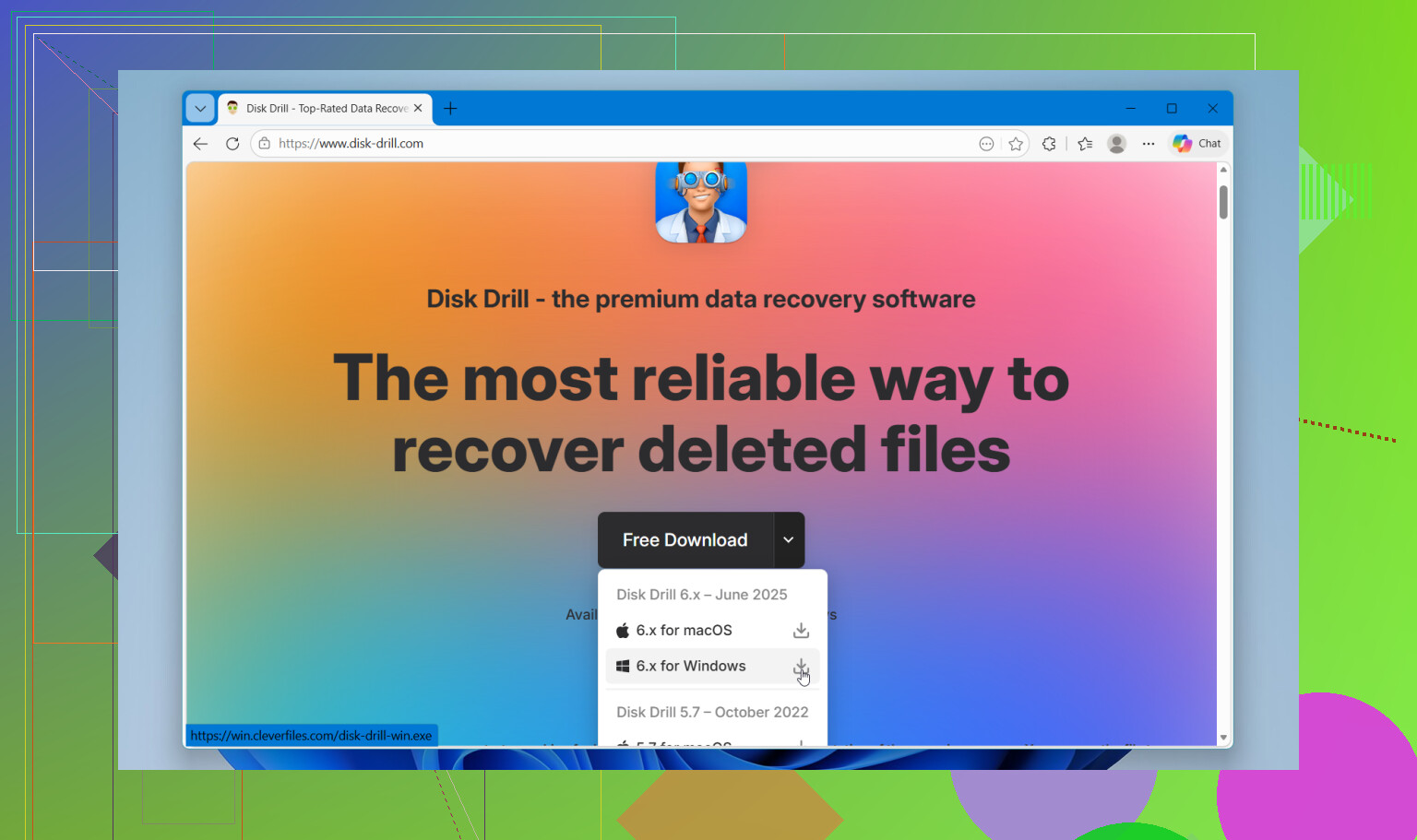
For software, I’d go straight to Disk Drill. I tried a couple of cheap and free options first when I lost drone footage. They found some stills, sure, but the video files came back broken or unplayable. That seems common with drones, action cams, and newer cameras because video chunks end up scattered around the card.
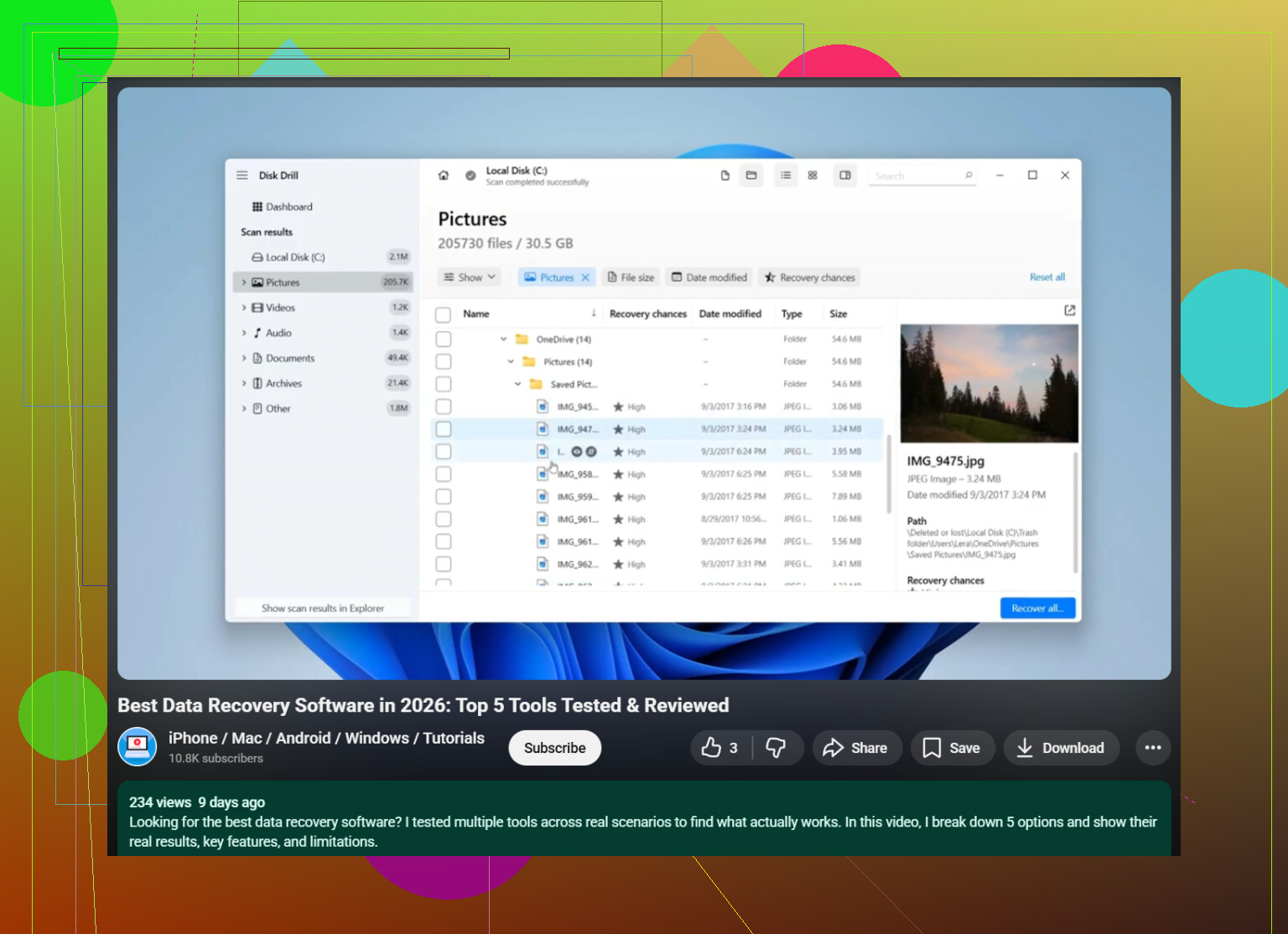
What worked better for me was Disk Drill’s camera-focused recovery mode. It did a better job piecing video back together instead of dumping out corrupted fragments. The preview feature helped too, since I could check whether clips opened before saving them. On Windows, there’s also a 100MB free recovery limit, which is enough to test whether your files come back intact before going further.
So, plain version. Get the card out. Lock it. Use a card reader. Run a deep scan with Disk Drill. Recover everything to another drive. Then wait. Deep scans are slow, and mine took longer than I expected, but I got back way more than I thought I would.
If your card has not been written to since the format, your odds are still decent.
24 Likes
Formatting twice does not hurt as much as people think. What hurts is new data written after the format. If you stopped right away, your odds are still decent.
Small disagreement with @mikeappsreviewer. The second format usually does not make recovery much worse by itself. On most SD cards, each quick format rewrites file system info, not the photo and video data blocks. So one quick format vs two quick formats is often a small difference. A full format is the bad one.
What I would do next:
-
Make an image of the SD card first.
Use a tool which clones the whole card to an image file. Work from the image, not the card. If a scan crashes or you click the wrong thing, your original stays untouched. This is standard practice in data recovery. -
Check the card health.
If the card was failing before the format, recovery gets messier. Use a SMART-like reader tool if your reader supports it, or at least watch for read errors and slow sectors during imaging. Slow reads often mean the card is dying. -
Expect mixed results with video.
Photos often come back clean. Video is harder because big files get fragmented. If your clips were from a camera, drone, or phone, use software built for media recovery. Disk Drill is one of the better options for scanning formatted SD cards and recovering photos and videos to another drive. -
Sort by file signature, not folder names.
After a format, folder structure is often toast. Focus on file types and previewable files first. JPG, MP4, MOV, CR3, ARW, DNG, stuff like tht. -
If files matter a lot, stop DIY after imaging fails.
If the card has controller damage or lots of read errors, labs have better tools. Expensive, yep. But worth it for once-in-a-lifetime footage.
If you want a simple guide on SD card photo and video recovery with Disk Drill, this covers the process well:
see how to recover deleted files from an SD card with Disk Drill
So no, you did not ruin your chances by formatting twice. You hurt them if anything got saved after. Theres a difference.
Two quick formats usually do not destroy recovery chances by themselves. That’s the part I’d push back on a little when ppl panic about the “second format” like it’s some magical death blow. It usually isn’t. What matters more is whether the card got new writes after that.
Where I slightly disagree with @mikeappsreviewer and @reveurdenuit is this: people jump straight into scanning, but before anything else I’d check what device did the formatting. A camera quick format is often recoverable. A Windows full format, or some drones/cams with a more aggressive erase routine, can be way worse. So the first question is not just “formatted twice?” but “formatted twice how?”
Also, don’t judge the card by what one app finds on the first pass. Different tools carve media differently. If these are photos/videos, use something that actually handles formatted SD cards well, like Disk Drill. It’s one of the better-known options for SD card photo recovery and video recovery, esp when the file system is gone and you need signature-based scanning. Just recover to another drive, obviously.
One more thing nobody mentions enough: if the card is important, test the recovered videos immediately. Photos are easy to preview. Videos love pretending they’re fine until 2 minutes in and then nope, corrupted.
If you want a simple explainer plus a solid roundup of top data recovery software for recovering deleted files, that helps too.
Short version: formatted twice is bad, but not catastophic. Writing new data is the real killer. If you stopped right away, your odds are still probly decent.
Two quick formats usually are not the disaster people imagine. I agree with @reveurdenuit and @voyageurdubois on that part. I slightly disagree with the urgency to jump straight into recovery software though. First, check whether the card now shows the same capacity it always had. If it suddenly reports weird size, asks to be formatted again, or disconnects during reads, that points to controller or flash trouble, and recovery quality matters less than stabilizing the card.
Another angle people skip: file system type. If the card was exFAT and held large video files, recovery can actually be decent after quick formats because the big data areas may still be mostly untouched. If it was heavily used over time, fragmented video is the bigger enemy than the second format.
For DIY, Disk Drill is fine for this kind of job.
Pros
- good at photo/video carving
- easy previews
- beginner-friendly
- works well when directory structure is gone
Cons
- deep scans can be slow
- recovered names/folders may be messy
- video recovery is not guaranteed
- free recovery limits depend on platform
If Disk Drill misses clips, compare results with another tool before giving up. Different scanners reconstruct media differently. Also, verify recovered videos by scrubbing through the whole clip, not just the first seconds.
So no, you probably did not ruin your chances by formatting twice. The real question is whether anything got written after that, and whether the card itself is healthy.