My iPhone storage is almost full, and now I can’t update apps, save photos, or install the latest iOS update. I’ve already removed obvious clutter, but I really need quick ways to free up storage without deleting important apps, pictures, or messages. What settings or tricks actually work to clear system data and make space fast?
My phone hit 127.9 GB used out of 128 GB, and it was awful. Apps froze. Camera failed at the worst time. Even opening Photos felt slow. I thought I’d need to start deleting stuff I wanted to keep, but most of the mess was junk data, not my good files.
A lot of the space came from cached app data, logs, message attachments, and other leftover iPhone clutter. I ended up clearing around 15 GB without wiping my photo library or removing apps I still used.
Start here.
Go to Settings > General > iPhone Storage. Let it sit for a bit if your phone is packed full. Mine took longer than usual to load. Check Apple’s recommendations first. If you see Offload Unused Apps, turn it on. This removes the app itself but keeps your documents, settings, and sign-in data. The app icon stays on the Home Screen with a small cloud next to it, so you re-download it later with one tap. I found this way less annoying than deleting apps outright.
If your iCloud storage is maxed out too, photo optimization won’t help much anymore. When iCloud has no room left, the phone keeps more full-res files locally. While you’re still in iPhone Storage, open Messages. This one got me. Old group chats were stuffed with junk videos, screenshots, and giant attachments I forgot existed. Use Review Large Attachments and cut the big files first.
The slowdown usually comes from app cache bloat. TikTok, Instagram, Spotify, and similar apps pile up temporary files fast. iOS still doesn’t give you one clean cache button for everything, which is annoying. What worked for me was deleting those apps and installing them again. I got around 3 GB back from TikTok alone. My account stayed fine because the important stuff was tied to the service, not the junk files on the phone.
If storage still barely moves, look at your photo library more closely. Burst shots, Live Photos, and near-duplicates eat space fast. I wasted way too much time doing this by hand.
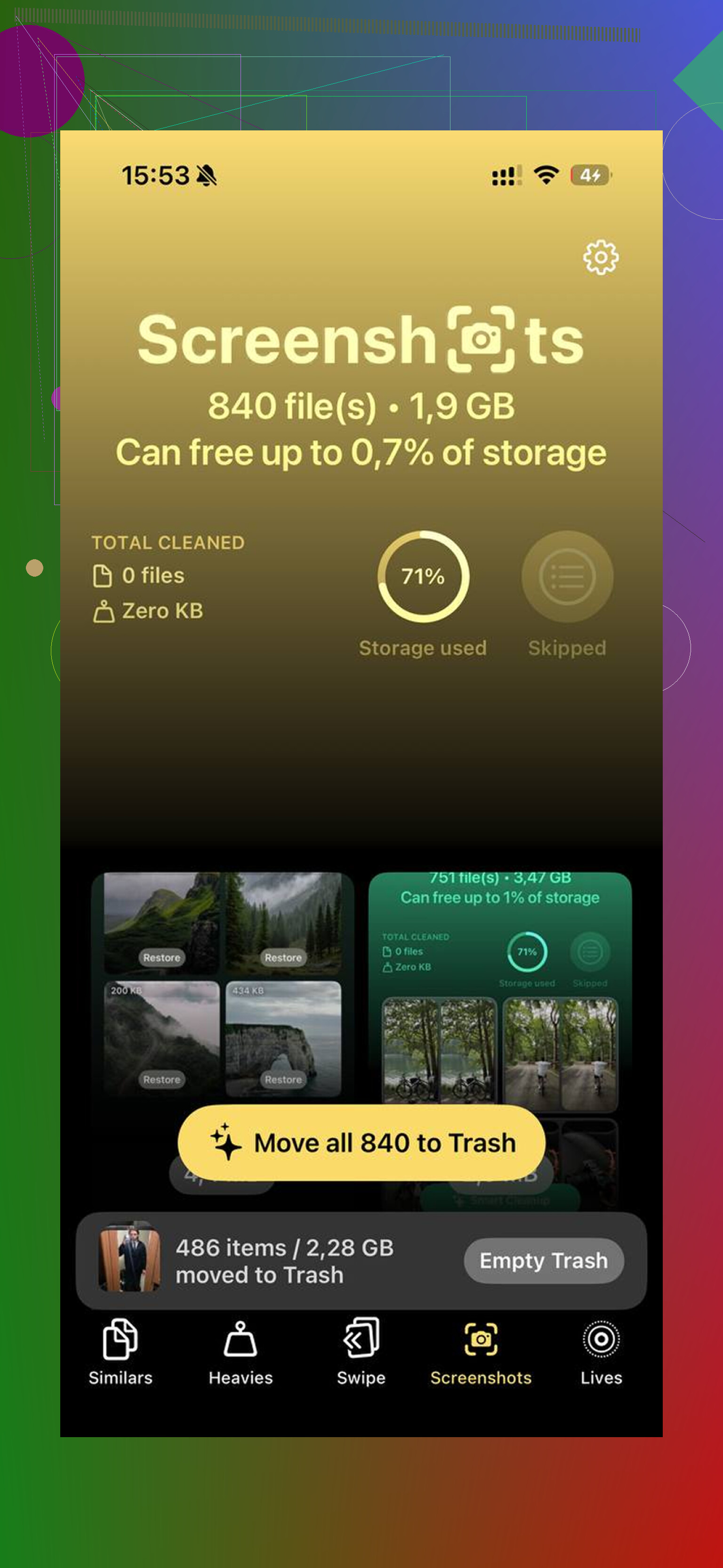
I ended up trying Clever Cleaner. I was skeptical, becuse most cleaner apps on iPhone feel shady or lock basic features behind a paywall. This one didn’t do that. No ads. No subscription trap. No weird limits popping up halfway through.
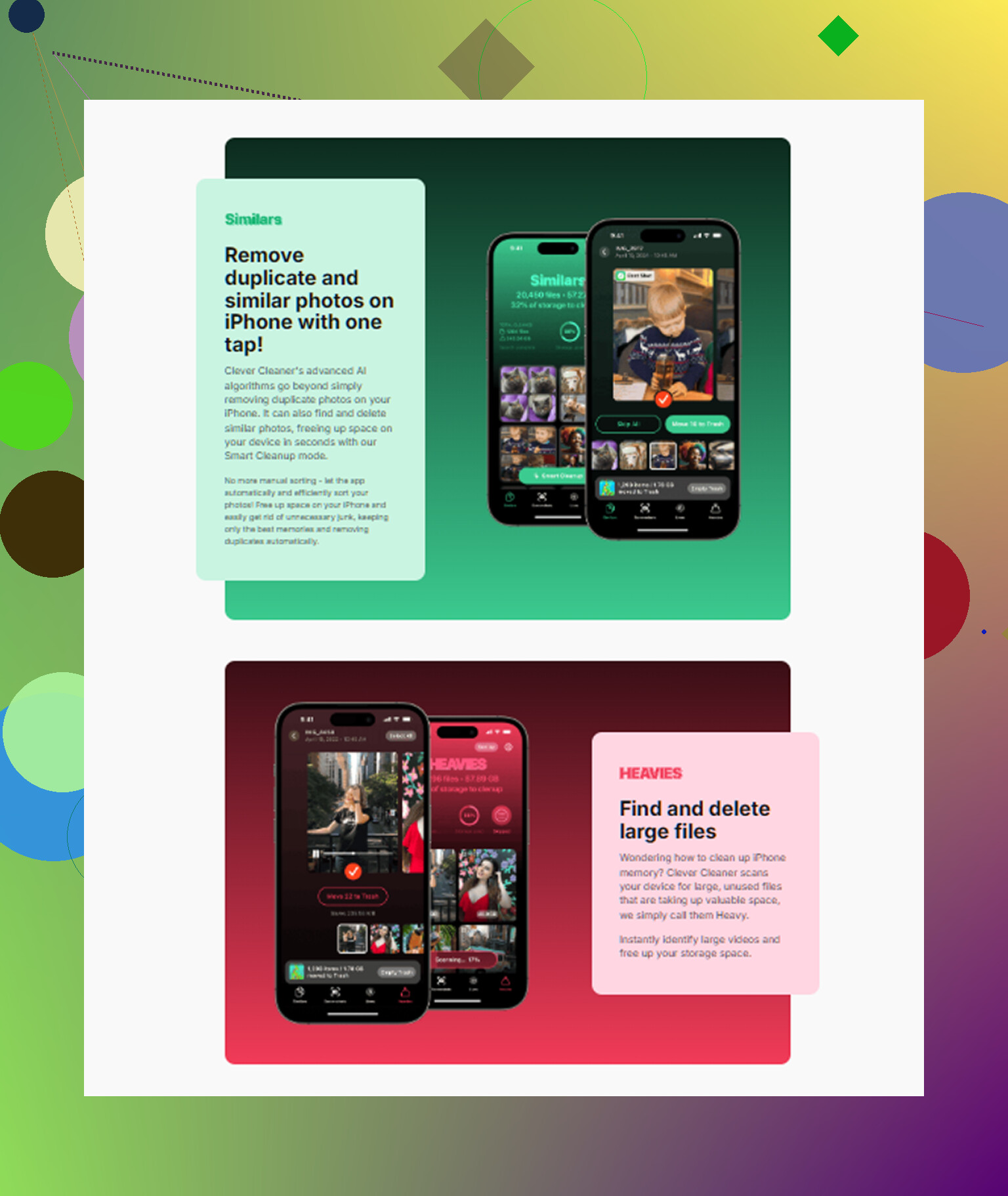
The part I used most was the Similars section. It grouped photos that looked almost the same, not only exact duplicates. Good for those moments where you take 12 shots of the same thing and keep meaning to sort them later. It picked a best shot, then I deleted the rest in batches. I also checked the Heavies section, which helped more than I expected. Apple Photos still makes it weirdly hard to sort by file size, so seeing the biggest videos first saved me time.
One detail I cared about, it handled the scan on-device. My photos weren’t getting pushed to some random server. I also used its Live Photo tool to turn some shots into still images, which kept the photo and dropped the short video part.
After any cleanup, do the step people forget. Open Photos > Albums > Recently Deleted, then remove everything from there too. Deleted items stay on the phone for 30 days unless you clear them yourself, so they still count against storage until then.
Once I got usage down to around 85 percent, the lag stopped. My phone felt normal again. iPhones seem to behave much better when there’s at least 10 to 15 percent free space left for system stuff. I also restarted mine after the cleanup so iOS would recalculate storage. That seemed to help a bit too.
You don’t need to wipe your phone or sacrifice your whole camera roll. Start with iPhone Storage, clear message attachments, reinstall the worst cache-heavy apps, then empty Recently Deleted. If your library is full of duplicates and Live Photos, deal with those next. Worked for me, and my phone was a mess.
2 Likes
Try the stuff people skip.
First, restart the iPhone after storage is full. iOS sometimes holds onto temp files until a reboot. I’ve seen 1 to 3 GB come back from this alone on older iPhones.
Next, check Safari. Settings > Safari > Clear History and Website Data. If you use Chrome, clear browsing data there too. Browser caches get huge over time.
Then look at downloaded media, not your main library. Spotify, YouTube, Netflix, Podcasts, Audible. Offline downloads eat space fast. Remove the downloads, not the app. You keep your account and playlists. Same idea for Files app. Open Files > On My iPhone > Downloads. People forget this folder exists.
One more big one, Mail. If you have Gmail or Outlook syncing years of mail, your phone stores a lot locally. Remove and re-add the account, or reduce Mail sync window if your provider supports it. It freed up space for me when Photos was not the main problem.
I partly disagree with @mikeappsreviewer on reinstalling lots of apps first. It works, but it’s a pain if you have 2FA apps, offline docs, or weird logins. I’d hit browser cache, downloads, and Mail before messing with app reinstalls.
If photos are the issue but you don’t want to delete important stuff, use Clever Cleaner to sort duplicates, large videos, and Live Photos faster. This is the best quick demo I found for seeing how it works on iPhone, see Clever Cleaner free up iPhone storage fast.
Also check Settings > Camera > Formats. Switch future captures to High Efficiency if it’s on Most Compatible. HEIF and HEVC files are smaller. Doesn’t free old space, but it stops the bleed. Small fix, but worth it.
If you need space for an iOS update right now, connect to a Mac or PC and update through Finder or iTunes. That often needs less free space on the phone than over-the-air. Saved me once when my phone was at like 99% full and being dumb about it.
I’d actually do one thing first that neither @mikeappsreviewer nor @sternenwanderer really leaned on enough: check System Data and stuck update files.
Go to Settings > General > iPhone Storage and see if System Data is absurdly high. Sometimes failed iOS downloads, logs, temp files, and indexing junk balloon for no good reason. If you already downloaded an iOS update, tap it in storage and delete the update file, then install later from a computer. That can free several GB fast.
Also, turn off Photos syncing for a minute, restart, then turn it back on. Same with Messages in iCloud if you use it. I’ve had iOS recalculate storage after that and suddenly give back space it was hoarding. Kinda janky, but iPhone storage reporting is not always honest lol.
Another underused fix:
- remove old voice memos if they synced already
- delete GarageBand sound library if you have it
- check Books for downloaded PDFs/audiobooks
- remove old podcast episodes set to “saved”
- clear downloaded Apple Music tracks you forgot about
I sorta disagree with the “reinstall a bunch of apps” approach unless you know exactly which ones are bloated. Too much hassle, too much chance of losing local stuff.
If photos are the main issue but you don’t want to nuke anything important, Clever Cleaner is probly the fastest way to sort similar shots, heavy videos, and Live Photos without digging forever. I also found this guide useful for the best AI cleaner apps for iPhone storage cleanup.
One more sneaky fix: record one short video, then restart. Sounds dumb, but it sometimes forces iOS to flush temp camera/cache junk. Weird little trick, but I’ve seen it work.