My Amazon Fire Stick remote suddenly stopped working, and now I can’t control my TV or navigate the menu. I already tried changing the batteries and restarting the Fire Stick, but the remote still won’t pair or respond. I need help figuring out what to try next so I can use my device again.
My Fire TV Stick remote quit out of nowhere once, and the cause was boring. Batteries. After that, I stopped assuming the remote was dead. Most of the time it comes down to weak batteries, a lost pairing, or the stick needing a restart.
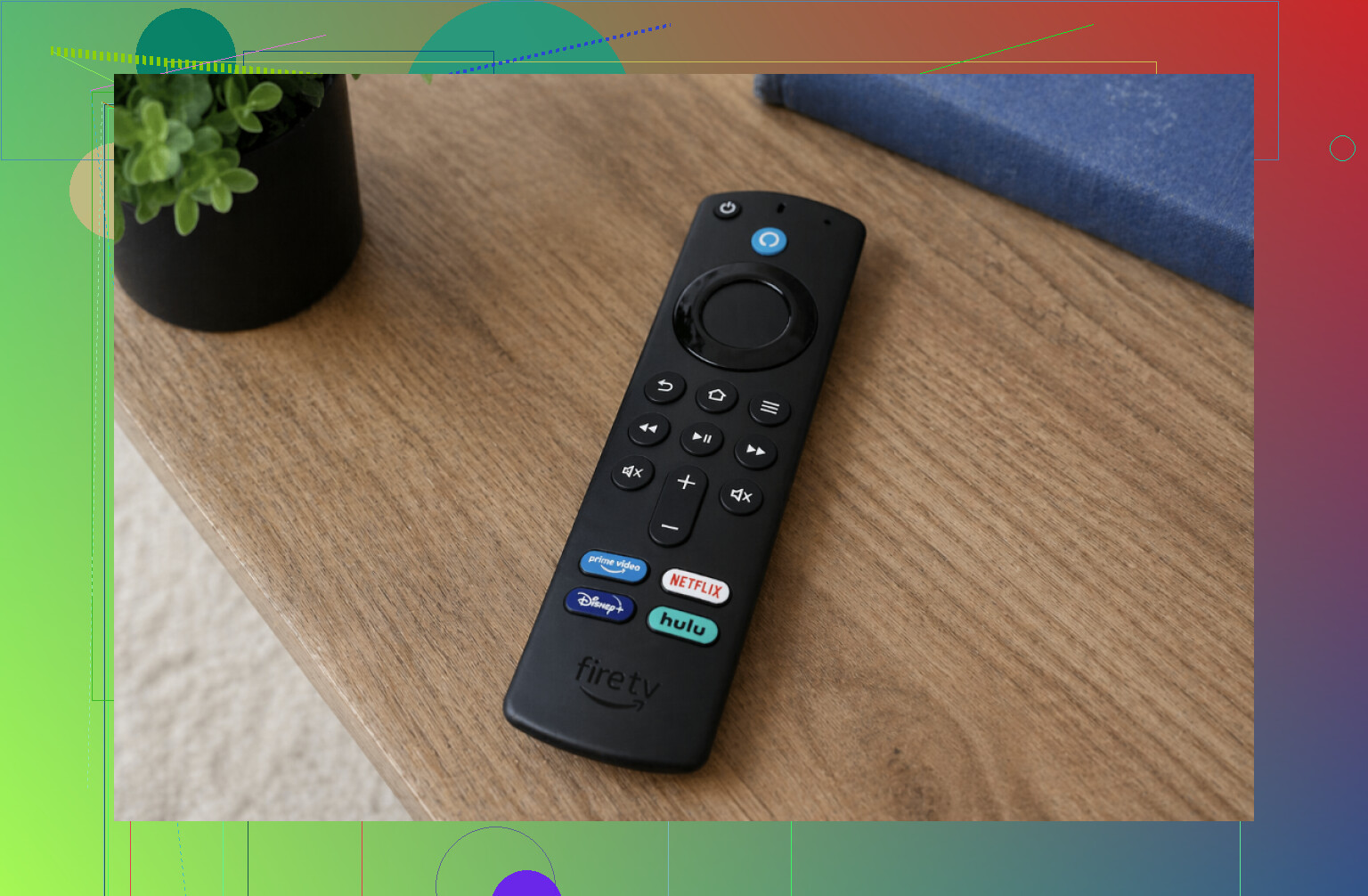
Here’s the short version.
Swap the batteries first
This fixed it for me more than once. Fire Stick remotes tend to act flaky before the batteries are fully drained. If your remote feels random, laggy, or dead, put in a fresh pair and test again.
Restart the Fire TV Stick
I unplugged mine from power, waited around 45 seconds, then plugged it back in. A plain reboot clears a lot of weird connection issues.
Pair the remote again
Stand close to the TV and hold the Home button for around 10 seconds. On my setup, the remote usually reconnects after this.
Get closer
The remote uses Bluetooth, not infrared. Distance matters. So do cabinets, soundbars, and random clutter near the TV.
Look for signal interference
I’ve seen Bluetooth headphones and other nearby devices mess with the connection. If you have a bunch of wireless gear packed around your TV, move some of it or switch it off for a minute and try again.
Another route, use your phone as the remote.
If the original remote still won’t respond, your phone works fine as a stopgap. One option is TVRem – Universal TV Remote App.
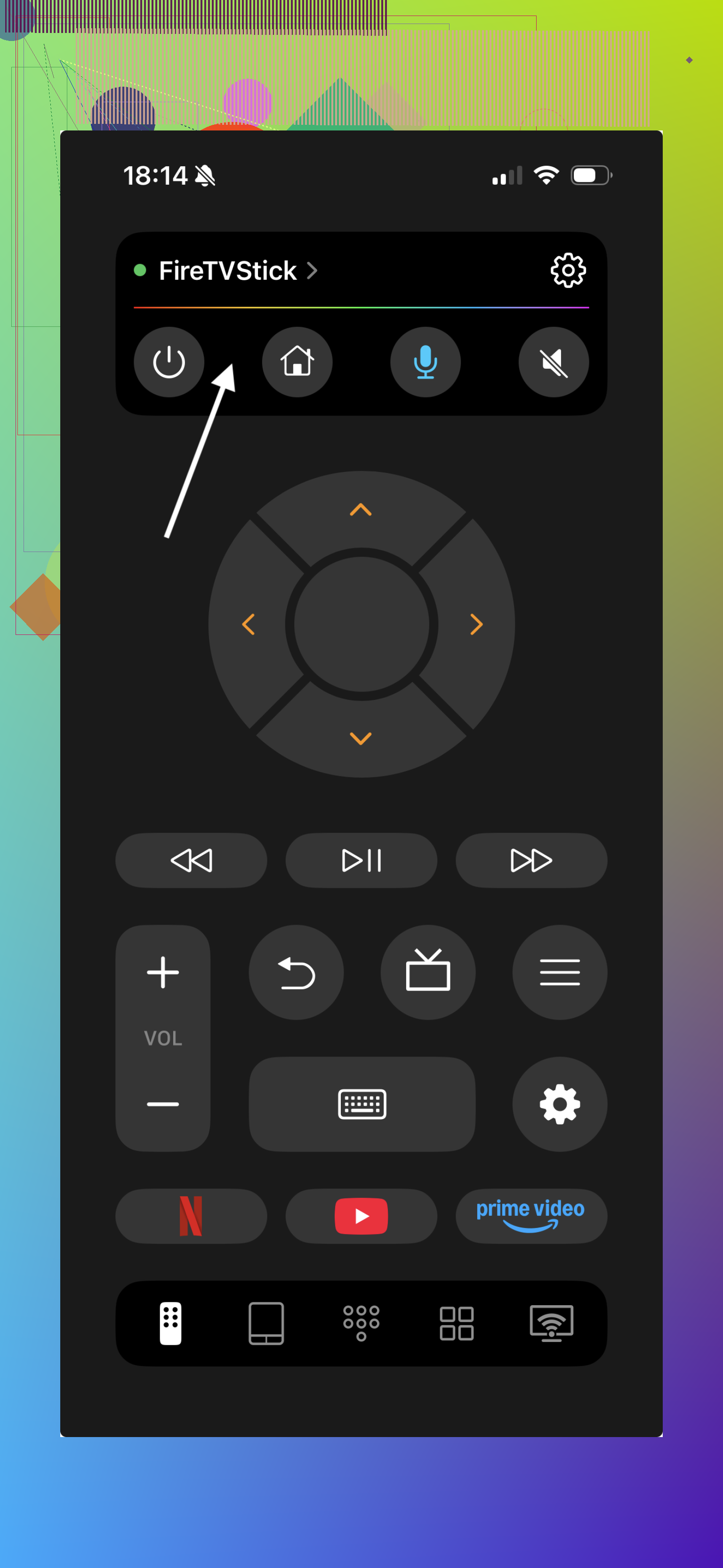
Why I’d do this instead of fighting the remote for half an hour:
It gives you a backup remote right away.
It works with Fire TV devices and a bunch of smart TVs.
You still get the main controls, navigation, volume, app switching.
It helps when you have no spare batteries in the house, which was my case once at like 11 p.m.
If your goal is to keep using the Fire Stick tonight, this is the fastest workaround I found.
If none of the usual fixes help
At that point, I’d start suspecting the remote itself. If fresh batteries and re-pairing do nothing, the hardware might be shot. Using a phone remote app like TVRem is the easiest temporary fix until you replace the remote.
Bottom line
Most Fire Stick remote failures come from weak batteries or pairing trouble. If the remote is still unresponsive, switching to a phone-based option like TVRem keeps the Fire TV Stick usable without much hassle.
2 Likes
If batteries and a restart did nothing, I’d stop repeating those two and check the setup itself.
First, power the Fire Stick from the wall adapter, not the TV USB port. Low power causes weird remote pairing fails all the time. Amazon even notes unstable USB power as a common issue. If your Stick is plugged into the TV for power, switch it.
Next, remove old remote entries if you still have control from the TV app or HDMI-CEC. Go to Settings, Controllers and Bluetooth Devices, Amazon Fire TV Remotes. Delete the dead one, then add it again. A stuck pairing record blocks reconnection more often than people think.
Also check HDMI-CEC. On many TVs it’s called Anynet+, Bravia Sync, Simplink, VIERA Link, stuff like that. Turn it on, then use your TV remote to move around Fire TV. This helps when the Fire remote is dead and you need menu access. I disagree a bit with @mikeappsreviewer on distance being the main issue. If it stopped cold out of nowhere, power or pairing data is more likely.
One more thing people miss. Fire OS updates. If your Stick updated and the remote firmware did not, pairng gets flaky. Leave the Stick on Wi-Fi for 10 to 15 mins after boot and try again.
If none of this works, test the remote with another Fire TV device if you have one. If it fails there too, the remote is toast. Annoying, but at least you stop wasting time on it.
If batteries + reboot already failed, I’d look at one thing neither @mikeappsreviewer nor @shizuka leaned on enough: the remote reset sequence. A lot of Fire remotes get stuck in a half-paired state and just spamming the Home button won’t fix it.
Try this exactly:
- Unplug Fire Stick from power.
- On the remote, hold Left + Menu + Back for about 10 to 15 seconds.
- Remove the batteries.
- Plug the Fire Stick back in and wait until the home screen fully loads.
- Put batteries back in.
- Hold Home for 20 to 40 seconds.
That reset works better than the basic re-pair for me.
Also, check if the remote is the wrong generation for your Fire device. Sounds dumb, but Amazon has enough slightly-different remotes to make this annoying. Some pair weirdly or lose TV control functions even when navigation should still work.
Another thing: if the remote lights up or seems alive but won’t control TV volume/power, that may not be a Fire Stick pairing issue at all. That’s often the TV equipment control setup getting wiped. If you can get in using the Fire TV app or CEC, go to:
Settings > Equipment Control > Manage Equipment
and set the TV back up.
I kinda disagree with the “just use your phone” angle if the goal is fixing the actual remote. It’s a workaround, not really a fix. Useful, yeah, but not the same thing.
If the reset combo does nothing, the remote is probly dead dead. At that point I’d stop troubleshooting and replace it.
I’d add one check the others mostly skipped: the battery contacts inside the remote. Even with fresh batteries, a tiny bit of corrosion or a flattened contact spring can make the remote act completely dead. Pop the batteries out and inspect the metal tabs. If they look dull or dirty, clean them with a dry microfiber cloth or a cotton swab with a tiny bit of isopropyl alcohol. If a spring looks pushed down, gently lift it a little.
I also slightly disagree with @reveurdenuit on firmware mismatch being a common cause. It happens, sure, but physical contact failure in the remote is more common than people think, especially if the batteries were left in for a long time.
Another overlooked issue is heat. Fire Sticks tucked behind a hot TV can get flaky with Bluetooth accessories. Use the HDMI extender if you have one, so the Stick sits a little farther from the TV panel. That can improve both Wi Fi and remote stability.
If you can get control another way, check:
Settings > Controllers & Bluetooth Devices
and see whether the Stick is also trying to manage too many paired Bluetooth devices. Headphones, gamepads, old remotes, all of that can make troubleshooting messy. Remove anything you do not use.
On the phone app angle from @mikeappsreviewer, I agree it is useful, but only as a bridge while you diagnose. Pros for the ‘’: quick backup control, no waiting for replacement hardware, handy for setup. Cons: depends on Wi Fi, not as reliable as a physical remote, and it does not prove your original remote is fixable.
If none of that changes anything, I’d suspect hardware failure in the remote itself before I kept chasing software.