First things first, don’t write any more data to that external hard drive. Every time you add new files, you risk overwriting the space where your deleted files were stored, making them irrecoverable. You’re looking for data recovery software, and let me tell you, Disk Drill
is a solid option. Disk Drill Data Recovery Software can dig into your drive and fish out those lost files. You can check out more info and download it from this link: https://cleverfiles.com/lp/data-recovery-software.html.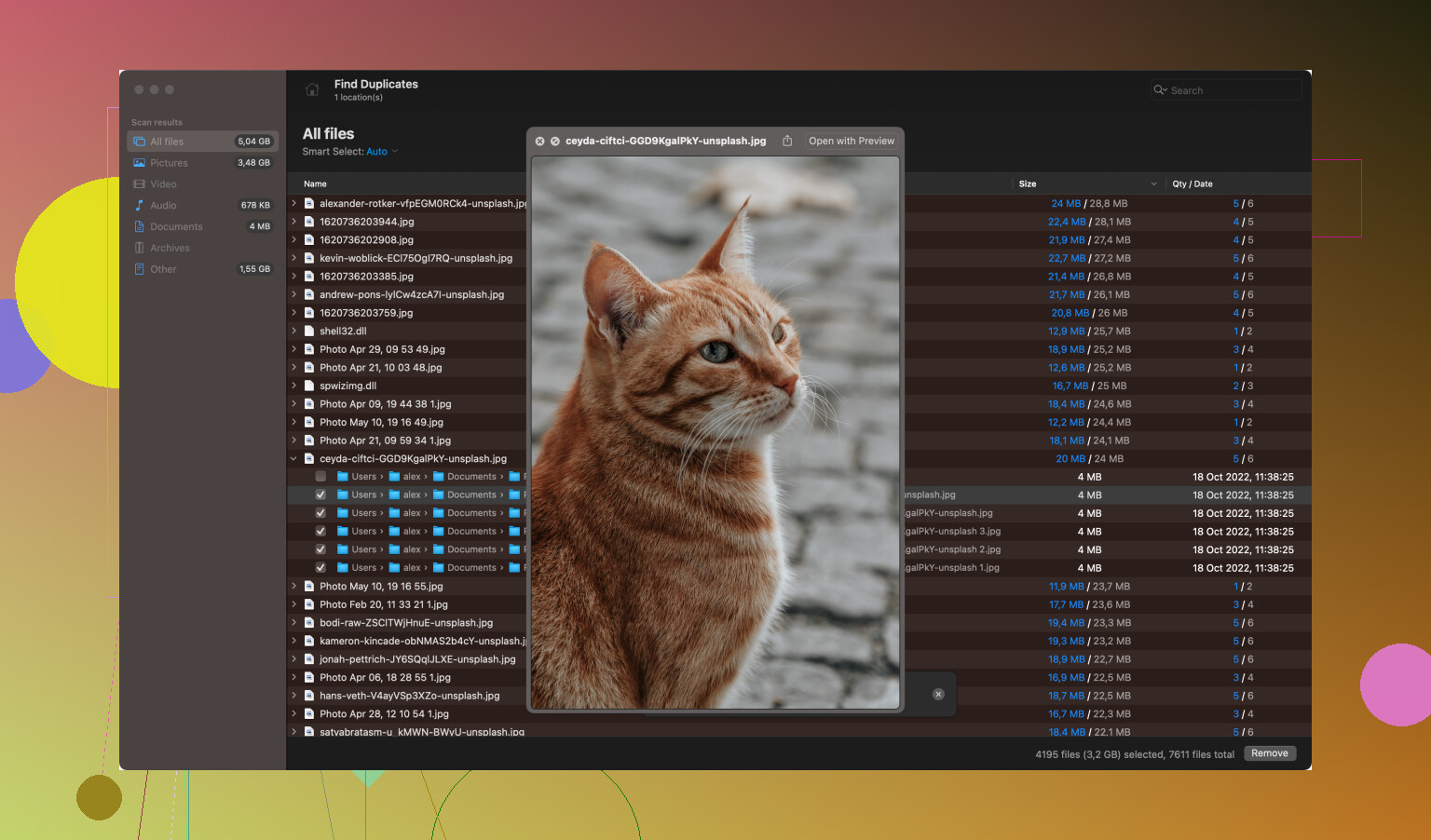
Here’s a general guide on how to get started (I’m assuming you’re on Windows, but there’s also a Mac version available):
-
Download and Install: Grab Disk Drill from the link above and install it on your computer. Be sure to install it on a different drive than the one where your deleted files were located. This reduces the risk of overwriting your lost files.
-
Connect Your External Hard Drive: Plug in the external drive where you lost the files. Make sure it’s properly detected by your system.
-
Launch Disk Drill: Open the Disk Drill application. It’ll take you to a screen where you can see all your drives listed. Find your external hard drive from the list.
-
Scan Your Drive: Click on the external hard drive and then press the “Search for lost data” button. Disk Drill will start scanning your drive. This might take some time depending on the size of the drive and the number of files.
-
Preview and Recover: Once the scan is complete, Disk Drill will show you a list of recoverable files. You can preview these files to see if they’re what you’re looking for. Select the files you want to recover and hit the “Recover” button. Make sure you recover these files to a different location (preferably another drive or your computer’s internal storage) to avoid overwriting.
Once you’ve successfully retrieved your files, it might be a good idea to back up your important data regularly. Accidents happen, and it’s way easier to restore from a backup than to go through recovery software again.
If you’re looking for alternatives, you could also consider software like Recuva or EaseUS Data Recovery Wizard, though I’ve found Disk Drill to be user-friendly and efficient.
Remember that not all files may be recoverable if they’ve been overwritten or corrupted, but there’s a decent chance you’ll get most, if not all, of your important files back. Good luck!