I need a professional headshot for my LinkedIn profile and job applications, but I don’t have the budget for a photographer right now. I tried a few AI headshot tools, and the results looked fake, overedited, or didn’t really look like me. I’m looking for help choosing the best AI headshot generator and learning how to get a realistic, professional-looking photo.
AI headshots got easy. I tried it with plain phone pics, no camera skills, no studio setup, none of that.
What worked for me was starting with a small batch of normal selfies and casual photos. The important part was simple. My face had to be clear, the light had to be decent, and I skipped sunglasses, heavy filters, and weird angles. Window light did the best job. Bad source photos gave me bad outputs, so this part mattered more than I first thought.
Then I uploaded the photos into an app. Eltima AI Headshot Generator is one of the most straightforward options. It felt built for people who want a clean profile photo and do not want to spend half an hour poking through menus. I uploaded a few shots, picked a look close to a business portrait or LinkedIn photo, and waited a few minutes.
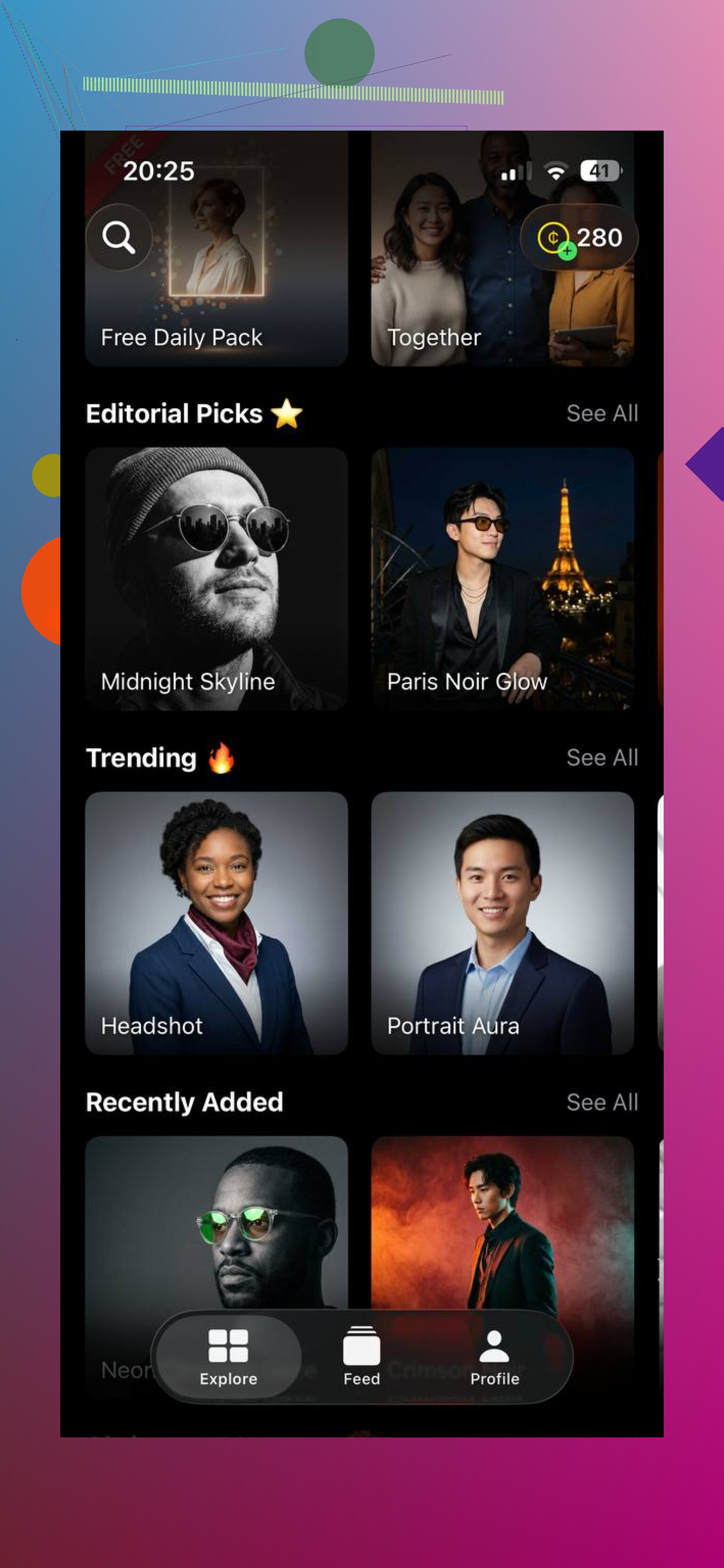
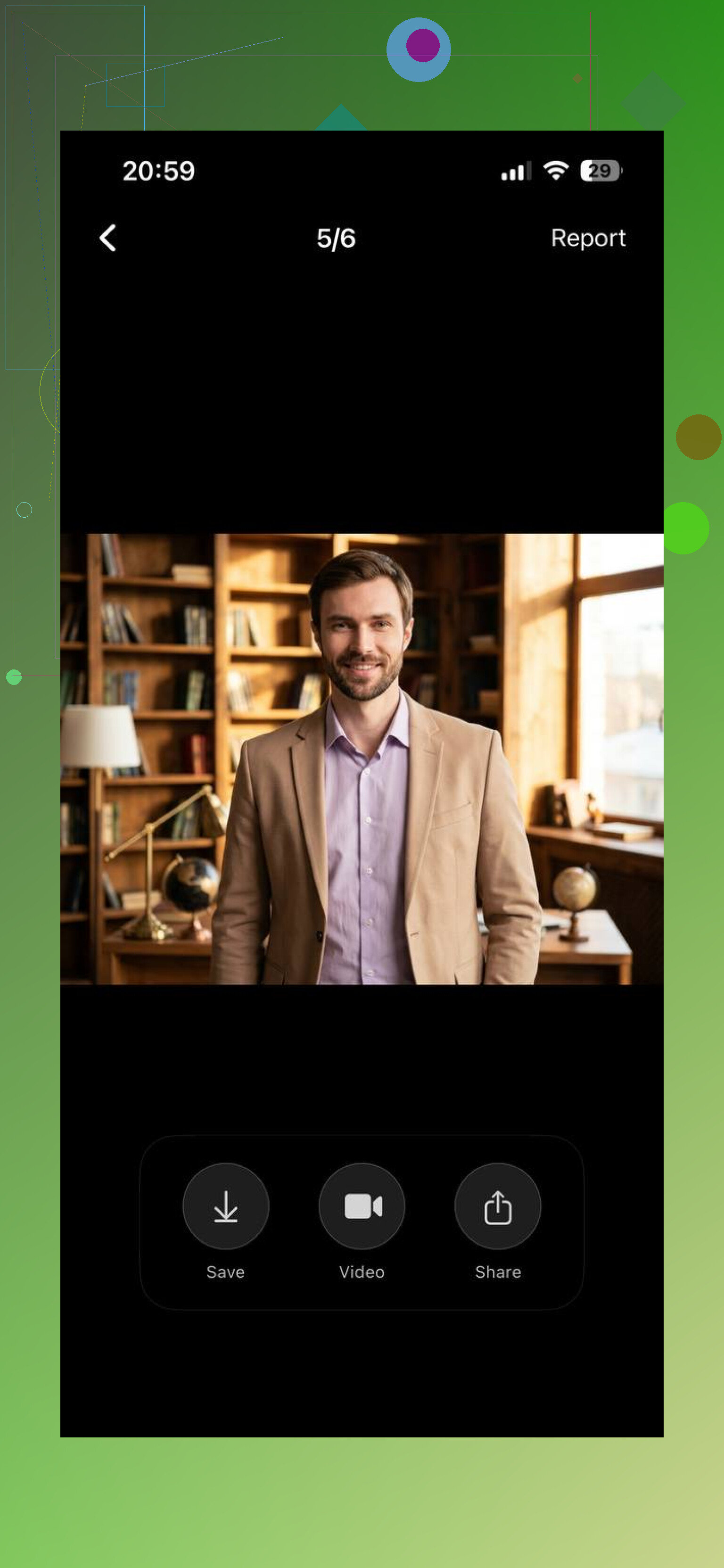
The main thing I noticed was this. The results usually stayed closer to a real face than a lot of similar tools I tested. Skin did not get turned into plastic. The lighting held up better. Face shape stayed closer to my own instead of drifting into random AI symmetry. Not perfect every time, nope, but less fake-looking than a bunch of others.
If you want to clean things up after generation, GIO helps with the last 10 percent. I used it for small fixes, background cleanup, and tiny touch-ups. It did the job without turning the whole process into a project.
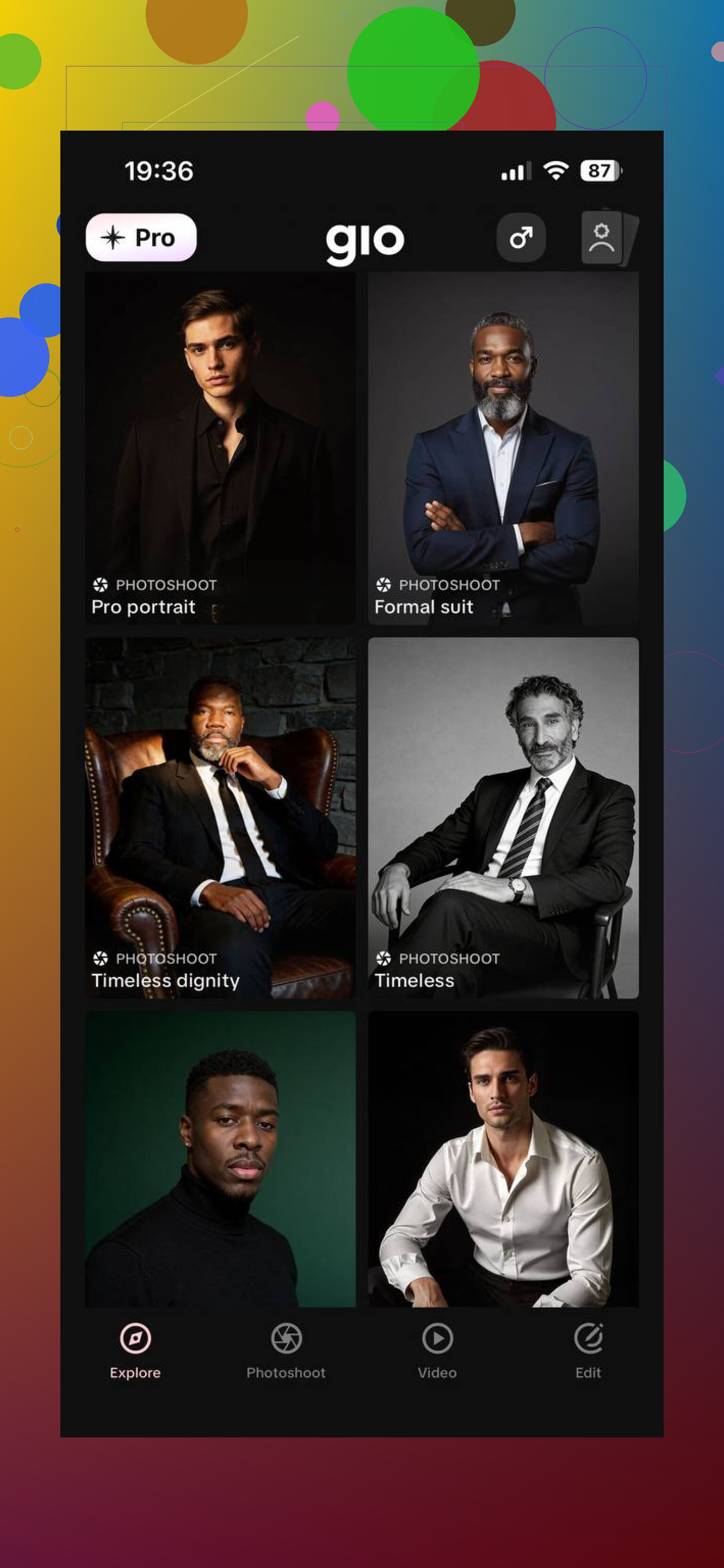
One thing I learned fast, first batch is rarely the one. I had better luck running a few rounds and comparing them side by side. After two or three tries, I usually found one where the expression, lighting, and overall feel matched how I wanted to look online.
If your goal is a decent professional headshot without booking a photographer, Eltima AI Headshot Generator app is a simple route. Upload your photos, pick a style, generate a few sets, keep the one where you still look like yourself.
11 Likes
I’d do one thing different from @mikeappsreviewer. I would skip full AI headshot generators first, and start with a normal photo plus light AI cleanup. Full generation is where faces get weird.
Best low-cost workflow for LinkedIn:
- Take 20 to 30 phone photos.
- Stand near a window. Face the light.
- Wear a plain shirt or blazer.
- Use portrait mode if your phone has it.
- Keep chin level. Small smile. No filters.
Then pick the best real photo and edit it lightly:
- Remove background clutter.
- Swap to a plain gray, white, or office-like background.
- Fix exposure and white balance.
- Reduce blemishes a little, dont smooth skin too much.
- Sharpen eyes slightly.
Apps like Canva, Remini, Fotor, or even LinkedIn’s own crop tools work better for this than many AI headshot apps. The result looks more like you, which matters for interviews. Recruiters notice when a headshot looks fake or overcooked.
Rule I use, if your teeth, hairline, or jaw look different, toss it. If it looks like you on your best work day, keep it. Two test runs beats uploading random selfies and hoping for magic tbh.
I’d split the difference between @mikeappsreviewer and @byteguru, but honestly I think a lot of AI headshot fails happen before the AI part even starts.
What helped me was treating it like casting, not editing. Instead of feeding the app random selfies, take a bunch of photos with one clear intention: “corporate but normal human.” Different shirts, slight angle changes, neutral background, relaxed expression. Then sort ruthlessly. If a photo already looks 70% LinkedIn-ready, AI has way less chance to butcher it.
Also, don’t chase “perfect.” That’s where the fake plastic skin and weird CEO-of-nothing vibe comes from. Leave tiny flaws in. Slight under-eye shadow, real skin texture, natural smile asymmetry. Those things make you look credible.
One thing I kinda disagree with: office-style fake backgrounds are not always the move. A simple clean wall or softly blurred real room can look more believable than fake glass towers lol.
My rule: use AI for polish, not identity. If it changes your face, hairline, age, or expression too much, bin it. If it just makes you look well-rested on a decent day, that’s probly the keeper.