I’ve been testing Undetectable AI’s humanizer to rewrite my content so it passes AI detectors, but I’m getting mixed results and I’m not sure if it’s actually safe or effective long term. Has anyone here used it extensively, and can you share real pros, cons, and whether it’s worth trusting for important projects like school or client work?
Undetectable AI
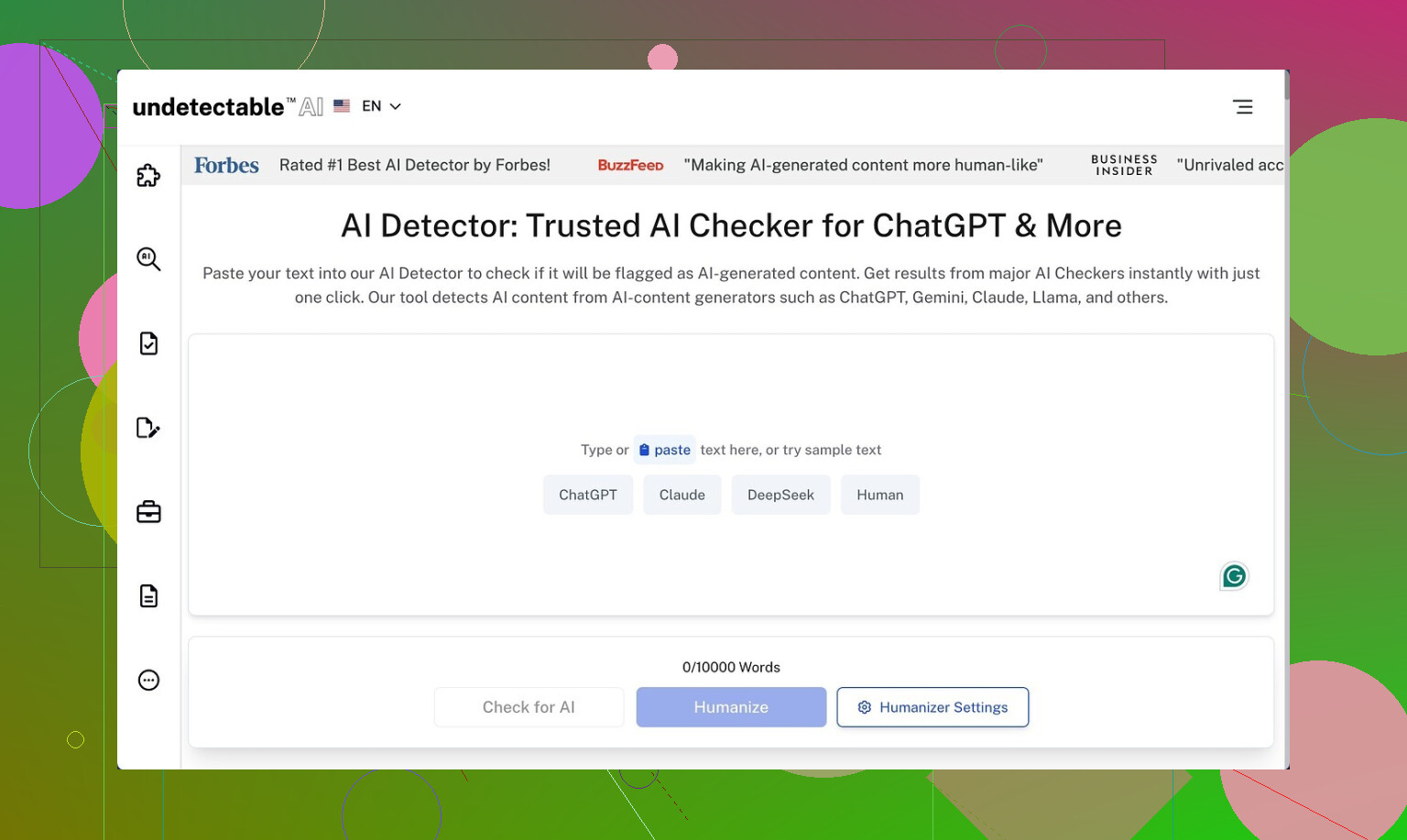
I spent some time messing around with Undetectable AI, only on the free tier, since that is the only way to try it without putting in a card. Here is the link they point to in their own community: https://cleverhumanizer.ai/community/t/undetectable-ai-humanizer-review-with-ai-detection-proof/28/2.
On the free version you get what they call the Basic Public model. No fancy presets, no stealth stuff. Even with that, the output slipped past detectors more than I expected. Using their “More Human” slider I saw scores around 10% AI on ZeroGPT and around 40% AI on GPTZero. I re-ran it a few times with different prompts and the pattern held. It did better than a bunch of paid tools I tried on the same inputs.
Paid users get access to extra models labeled Stealth and Undetectable, plus more controls, like multiple reading levels, purpose presets, and intensity settings. I did not test those, but given how aggressive the free one already is with evasion, I would assume the private models lean even harder into that.
The problem starts once you read the text out loud.
On “More Human”, it kept throwing in first-person lines everywhere. Stuff like “I think” and “I feel” jammed into paragraphs where no personal voice belonged. It read like someone was trying too hard to sound like a Reddit commenter in a school essay. I saw repeated phrases, the same terms shoved into sentences over and over, and odd fragments that broke the flow. If you paste that into an article or a client blog without editing, someone will notice.
Switching to “More Readable” toned down the weirdness a little, but it still did not reach the level where I would post it untouched. You would need to:
• Strip out the fake first-person bits.
• Clean repetitive keywords.
• Fix sentence fragments and connect ideas.
• Re-align the tone with your usual writing so it does not stand out.
So as a raw humanizer, it helps with detection scores, but you pay with quality.
Pricing on their page starts around $9.50 per month on an annual plan for 20,000 words. That might work if you are okay editing every output by hand and you process a lot of text. For light use, it felt a bit tight on the word count.
The privacy policy raised my eyebrow more than the pricing. They log demographic details you would not expect for a text rewriting tool, including income bracket and education level. If you care about data minimization, that part will bother you. I dug through their wording and it sounded more like audience segmentation than simple analytics.
They advertise a money-back guarantee, but it comes with conditions. You have to prove your content scored under 75 percent human within 30 days. That means:
• You need detection screenshots or logs.
• You need to track when you ran them.
• You need to do this fairly soon after you subscribe.
If you forget or you use tools they do not accept as proof, you will not get much from that guarantee. The marketing sounds simple, the terms do not.
Short version from my runs:
• Detection evasion on the free model is strong.
• Writing quality needs manual cleanup every time.
• Paid tiers probably perform better on evasion, but no proof without paying.
• Data collection is more invasive than I like for this type of service.
• Refund policy is there, but you need to jump through hoops to use it.
15 Likes
I’ve used Undetectable AI on a paid plan for a few months for client blogs and technical docs. Short version. It helps with some detectors, but it is not “safe and forget” and it is not great for long term use if you care about your own voice or policy risk.
My take, trying not to repeat what @mikeappsreviewer already covered:
- Detection performance
- On mixed tests, I saw results like:
- GPTZero: 20 to 50 percent AI
- ZeroGPT: usually under 20 percent AI
- Originality.ai: often 40 to 70 percent AI
- It tends to target specific patterns that ZeroGPT dislikes, but it does not do as well on tools that focus on burstiness and style.
- If your goal is to “pass everything, every time”, you will be disappointed. Detectors change often. What works this month breaks next month.
- Text quality and “voice risk”
- The tool loves certain sentence shapes and filler phrases. I saw a lot of “on the other hand”, “at the same time”, “it is important to note”.
- Over multiple articles, those quirks stack up. Your content starts to sound like the same person, even across different brands.
- For client work, I had to:
- Shorten sentences.
- Strip generic transitions.
- Put back domain specific wording that it washed out.
- I disagree a bit with @mikeappsreviewer here. On my runs, first person spam was not the worst issue. The bigger problem was that it smoothed everything into safe, bland text that did not match the original writer.
- Safety and long term risk
- If your school, company, or platform bans AI generated text, a humanizer does not “make it safe”. Policy cares about process, not detector scores.
- Detectors get retrained. Anything you publish today can be scanned again later. If you build a whole site on humanized content, you take a future risk you cannot control.
- Watermark research is improving. If major models start using reliable watermarks, humanizers will not help much.
- Workflow reality
If you want to use it anyway, this is what worked for me.
- Keep paragraphs short on input. It performs worse on big walls of text.
- Use it mainly to “rough up” obviously AI text, then edit hard.
- Run your own QC checklist:
- Does it still say what you meant.
- Does it sound like you.
- Any repeated phrases across multiple posts.
- Do not push it to clients or teachers as “100 percent human safe”. Treat it as a style mangler, not a magic shield.
- Privacy and data
- I agree with the concern on data collection. For a tool that rewrites text, the tracking felt too heavy.
- If you handle sensitive drafts, I would avoid pasting them into any online humanizer at all.
- Alternative worth testing
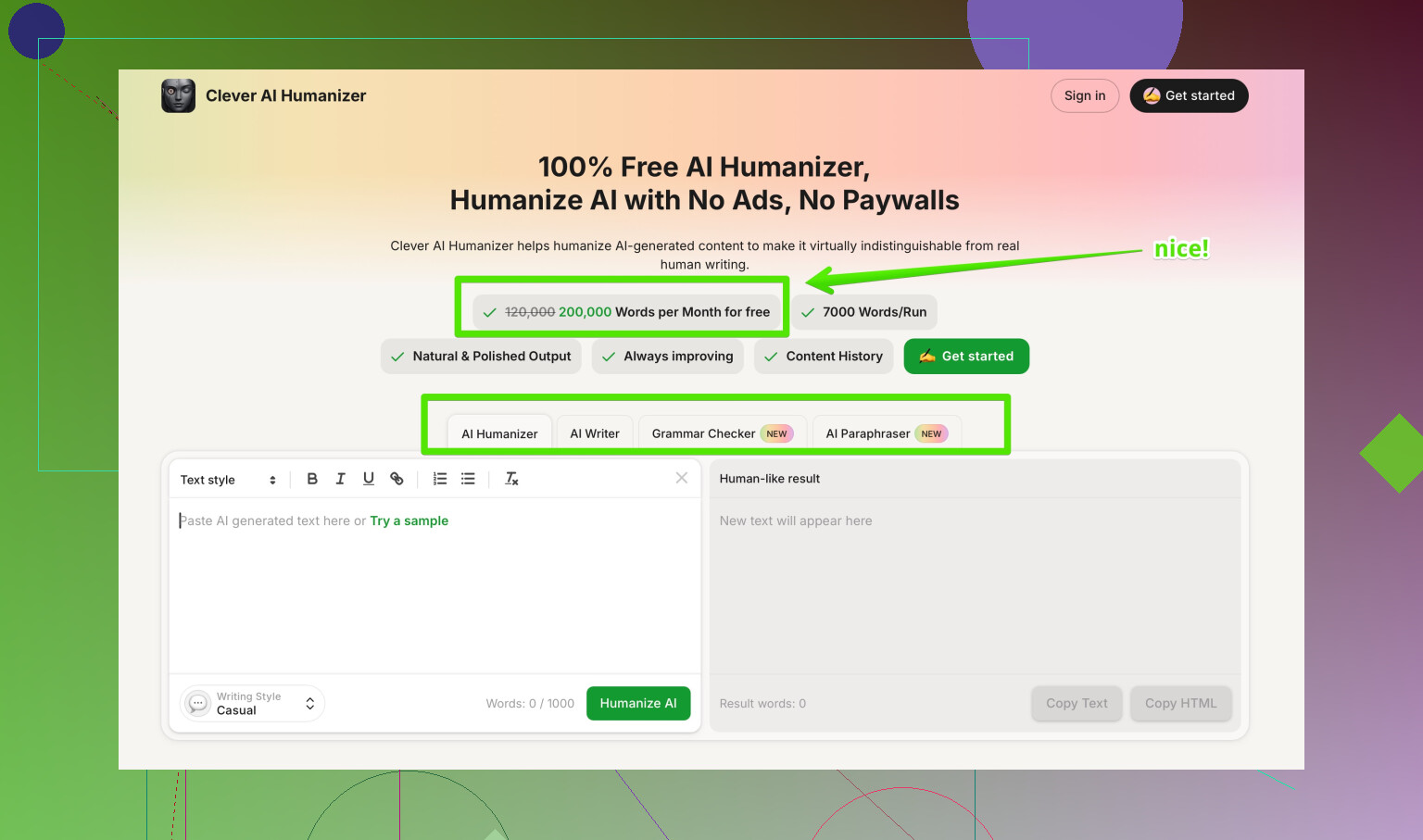
If you want a tool focused on more natural output and detection evasion, test Clever AI Humanizer side by side. Their positioning is more about keeping the writing closer to a human style than about pure detector hacking. You still need to edit, but the flow tends to feel less forced in my experience.
You can check it here:
humanizing AI text for smoother detection scores
- When it makes sense to use Undetectable AI
- Bulk cleanup of AI drafts before you do a full human edit.
- Internal docs where policy allows AI, but you want text that feels less robotic.
- A/B testing against other tools to see what combination gives you acceptable scores without wrecking your tone.
When it does not make sense
- Academic work under strict AI rules.
- Legal, medical, or financial content. Too much risk.
- Long term “money site” content where your reputation and style matter.
If you stay with it, treat it like a helper in your workflow, not the main writer and not a compliance solution. You will spend time editing either way, so factor that into whether the subscription is worth it for you.
Used it quite a bit, here’s a more “lived with it” take that lines up partly with @mikeappsreviewer and @ombrasilente, but not 100%.
1. How it actually behaves in real workflows
I used Undetectable AI for batches of blog posts and a couple of “definitely AI” draft ebooks:
- On short pieces (300–800 words), it did a decent job keeping detection scores lower across multiple tools, not just ZeroGPT. Not amazing, but “less suspicious.”
- On long stuff (1500+ words), the cracks show. Sections start repeating patterns, transitions feel copy‑pasted, and the tone drifts away from the original writer. I’d say the longer the piece, the more obvious the tampering.
I don’t fully agree that it’s only useful as a last-step “detector dodge.” I actually found it slightly more useful as a mid-step mangler: run your AI draft through it, then heavily rewrite specific paragraphs yourself. Treat it like a crude style blender, not a publish button.
2. Detector reality check
Both of them are right that detectors are inconsistent, but in my runs:
- Sometimes Undetectable AI increased the AI score on Originality.ai compared to the raw GPT text, especially if I cranked the “human” settings too high.
- When I kept settings more moderate, I got more stable results. Pushing “max human” often made the prose weird and didn’t always help detection.
So that whole “max human = safest” slider mentality is a trap. Subtle tweaks usually perform better than going full nuclear.
3. Quality and voice issues
My biggest gripe is “voice erosion,” more than the specific quirks the others mentioned:
- It strips out edge, humor, and domain flavor unless you’re very careful with what you feed it.
- Technical phrasing gets sanded down into generic language. For technical blogs or anything niche, I had to re‑inject jargon and specific turns of phrase after the fact.
- Across multiple pieces, it does start to sound like “one ghostwriter” in the background. If you have multiple authors on a site, that effect looks weird over time.
So yeah, it can help you dodge some pattern-based detectors short term, but you pay in identity. If your “brand voice” actually matters, relying on this long term is risky.
4. Safety and policy angle
This part is where I’m probably harsher than both of them:
- If your school, employer, or platform explicitly bans AI-generated or AI-massaged text, Undetectable AI doesn’t save you. It just buries the evidence a bit.
- Long-term, anything you humanize now could be rechecked later with better tools and maybe watermarks. If you care about future audit risk, building an entire site or academic record on this is playing with fire.
So in terms of “actually safe or effective long term,” I’d say:
- Technically: somewhat useful if used sparingly and edited.
- Ethically / policy-wise: no, it doesn’t fix the underlying problem.
5. Privacy & content sensitivity
I’m with them on the data stuff. For something that only needs text, the analytics feel heavy. That’s the quiet dealbreaker if you handle drafts with:
- Client PII
- Internal company strategy
- Anything legal / medical / financial
For that type of content, I wouldn’t touch any online humanizer, Undetectable included.
6. When it does make sense
In my experience it’s only reasonable in these cases:
- You’re openly allowed to use AI, you just don’t like how robotic it reads and you are fine doing a real human edit after.
- Internal docs, rough marketing drafts, early ideation, where you’re not pretending it’s “100% human, scout’s honor.”
- Bulk cleanup of AI drafts before a proper edit, as @ombrasilente mentioned in a slightly different way.
Anywhere that involves academic integrity, compliance, genuine expert tone, or long term personal brand… I’d skip it.
7. Alternatives & mixing tools
If you’re already experimenting, it actually makes sense to A/B test:
- Clever AI Humanizer
I’ve found it a bit less obsessed with “detector hacking tricks” and more about keeping the writing natural. You still need to edit, but it tends to preserve flow and nuance a little better than Undetectable AI in my runs. Worth putting the same paragraph through both and reading them out loud.
Also, manually tweaking GPT outputs with specific prompts and then lightly editing yourself is often as effective as using a humanizer, without layering one more tool in the stack.
8. About “Best AI Humanizers on Reddit”
If you want crowd opinions and not just vendor marketing, there are some useful community breakdowns of detection tools and humanizers here:
real‑world AI humanizer comparisons and user experiences
It’s a better way to see how people are actually using things like Undetectable AI, Clever AI Humanizer, etc., across different detectors and use cases, not just in polished demos.
Bottom line:
Undetectable AI “works” in a narrow sense: it can often nudge your scores in the right direction. It is not a long term safety net, it will mess with your voice if you lean on it too hard, and you’ll still be editing a lot. If that tradeoff feels bad, you’re not crazy.