I’ll admit it: I was loyal to FileZilla for years—like, diehard loyal. It was my default answer to, “Hey, what’s a solid FTP client?” But curiosity (plus a few head-slapping moments with its clunky password management) finally pushed me to see what else is out there, especially on Mac. Spoiler: FileZilla’s crown? Up for grabs. There’s a bunch of slicker, safer, and just plain nicer options. Here’s my own greatest hits rundown.
CloudMounter
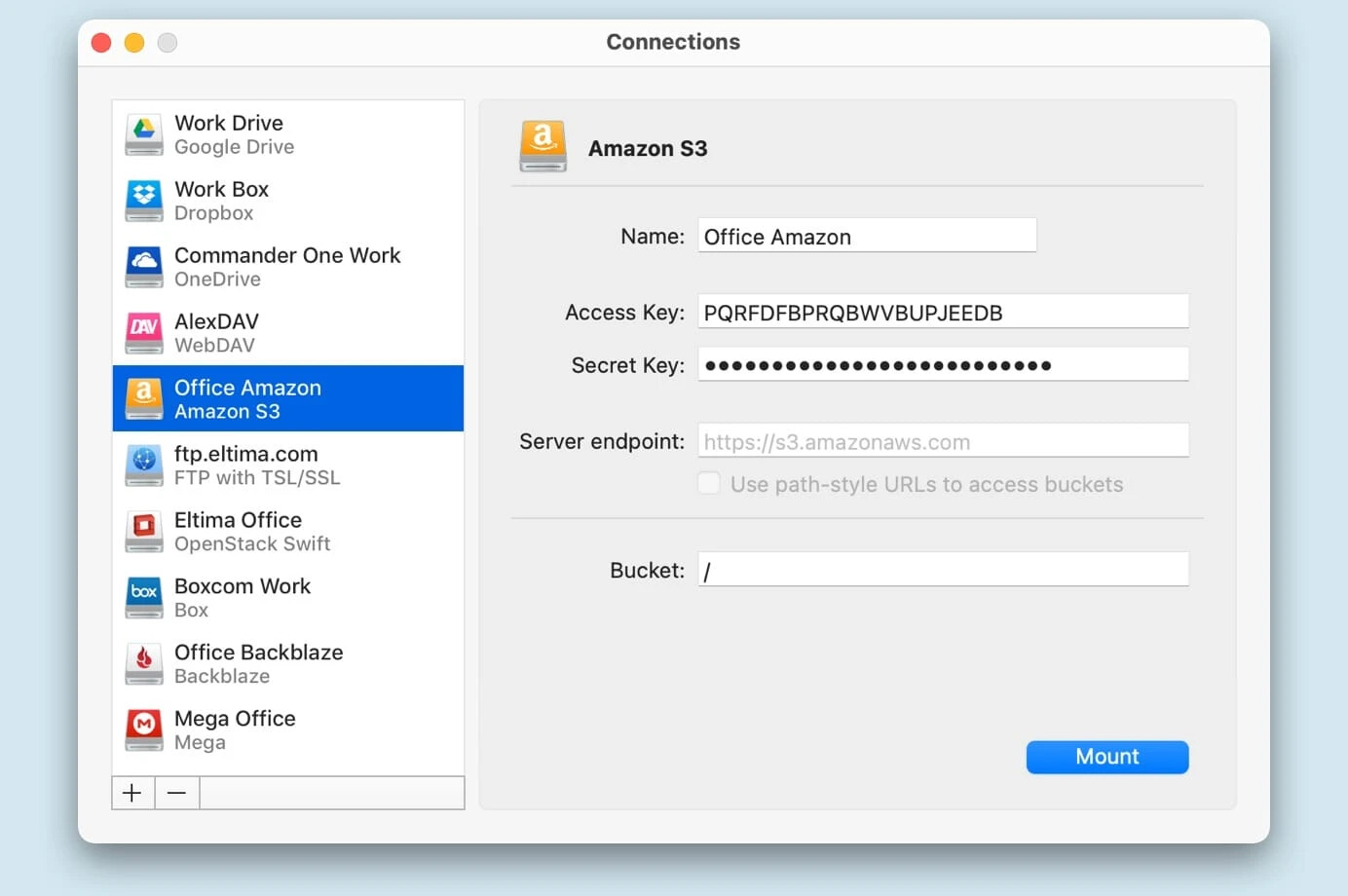
I stumbled across CloudMounter kind of by accident. Think of it like the Swiss Army knife for cloud storage, except surprisingly smooth on both macOS and Windows. What sold me? It makes your favorite cloud services—OneDrive, Google Drive, Amazon S3, and friends—show up in Finder or Explorer as if they were plugged-in drives. No awkward file copies, just drag, drop, done.
Connecting stuff from separate cloud silos? A breeze. No more hopping browser tabs or infamous copy/paste errors. If juggling work files between drive accounts drives you up the wall, this one’s a serious sanity-saver.
Cyberduck
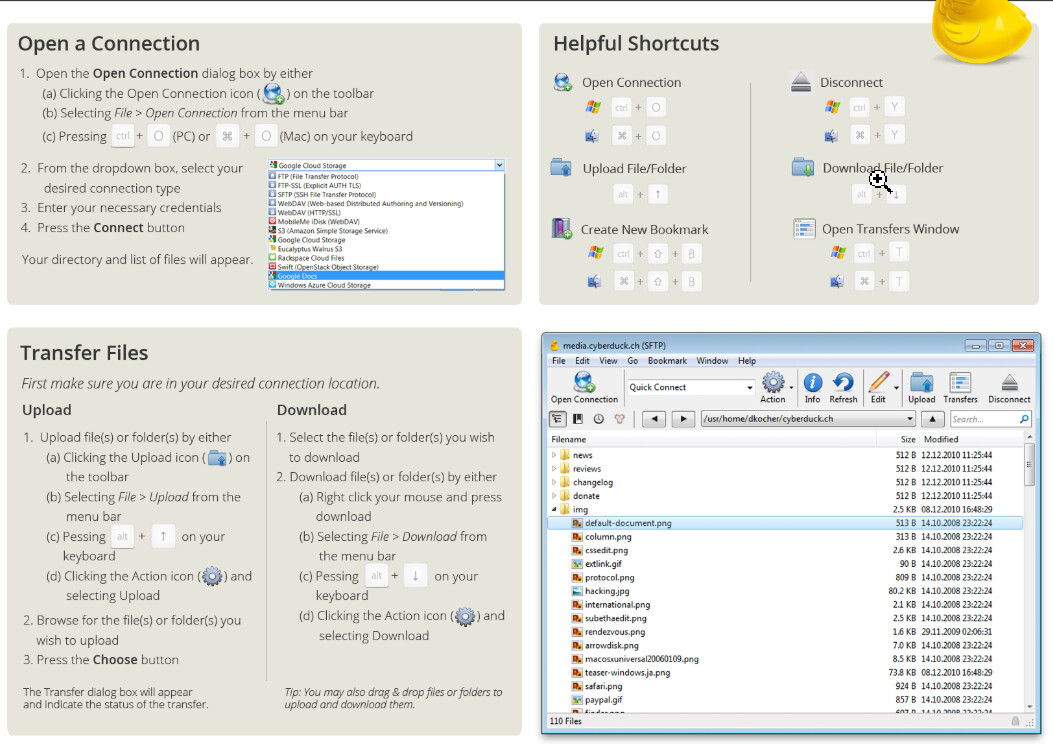
I’ve seen some folks swear by Cyberduck like it’s the holy grail for cloud and FTP management—and honestly, it gets a lot right. Yes, Cyberduck is 100% open-source, no strings attached, which means bug fixes and features appear fast (thanks, global coders). You can hook up to tons of cloud providers—Dropbox, Backblaze, SFTP, you name it.
Here’s the thing, though: It keeps things simple. You don’t get a laundry list of advanced tools (compare it with, say, ForkLift below), but it nails the essentials. Want painless uploads/downloads, bookmarks, and encrypted transfers? It’s all in the duck.
ForkLift
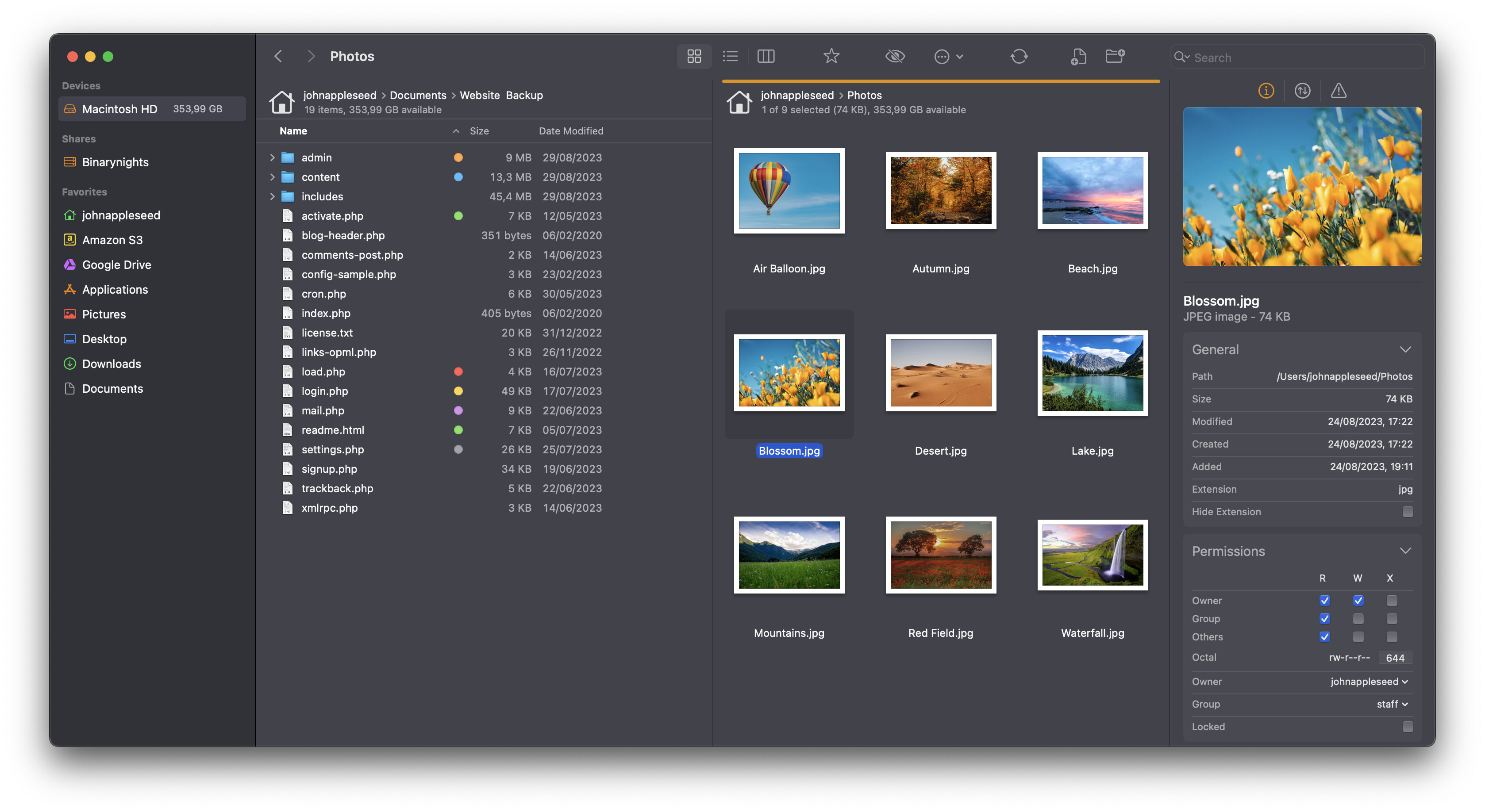
If you like your tools powerful but not overwhelming, ForkLift is the Mac-only file commander you never knew you needed. It’s basically the James Bond of FTP/Mac file management: looks good, packs heat, and never forgets security. ForkLift shines with real-time file syncing, split-pane navigation, and the ability to tweak files on distant servers as if they lived on your desktop. No lag, no fuss.
Security-wise? Think full-on SSH, SSL/TLS, and encrypted passwords.
Bonus: macOS keychain integration means you’re not leaving your credentials floating in plain sight.
Kicking FileZilla to the curb wasn’t just about looks or cool features—it came down to trust, security, and feeling at home on my Mac. If you’re on the fence or feeling burned by old-school FTP quirks, I’ve test-driven these myself, so hit me up if you need details about use cases, quirks, or head-to-head comparisons. Happy to geek out further.